scorpio810 wrote:
MacOS arm64 python 3.11 installation
get:
https://www.python.org/ftp/python/3.11. … acos11.pkg
1) Install it.2) Click on "Update Shell Profile.command" script to add python Path in your shell.
3) Install qet_tb-generator in terminal:
laurent@mini-de-laurent ~ % pip3 install qet_tb_generator
Collecting qet_tb_generator
  Using cached qet_tb_generator-1.3.1-py3-none-any.whl (393 kB)
Collecting PySimpleGUI
  Downloading PySimpleGUI-4.60.4-py3-none-any.whl (509 kB)
     ━━━━━━━━━━━━━━━━━━━━━━━━━━━━━━━━━━━━━━━ 510.0/510.0 kB 7.1 MB/s eta 0:00:00
Installing collected packages: PySimpleGUI, qet_tb_generator
Successfully installed PySimpleGUI-4.60.4 qet_tb_generator-1.3.1

[notice] A new release of pip available: 22.3.1 -> 23.0.1
[notice] To update, run: pip3 install --upgrade pip
laurent@mini-de-laurent ~ %
Test if launch:
laurent@mini-de-laurent ~ % /Library/Frameworks/Python.framework/Versions/3.11/bin/qet_tb_generator
15:02:21 INFO     QET Terminal Block Generator - v1.3.1 [main.main:840]
15:02:28 INFO     Using the file: None [main.get_QET_fullpath:189]
laurent@mini-de-laurent ~ %
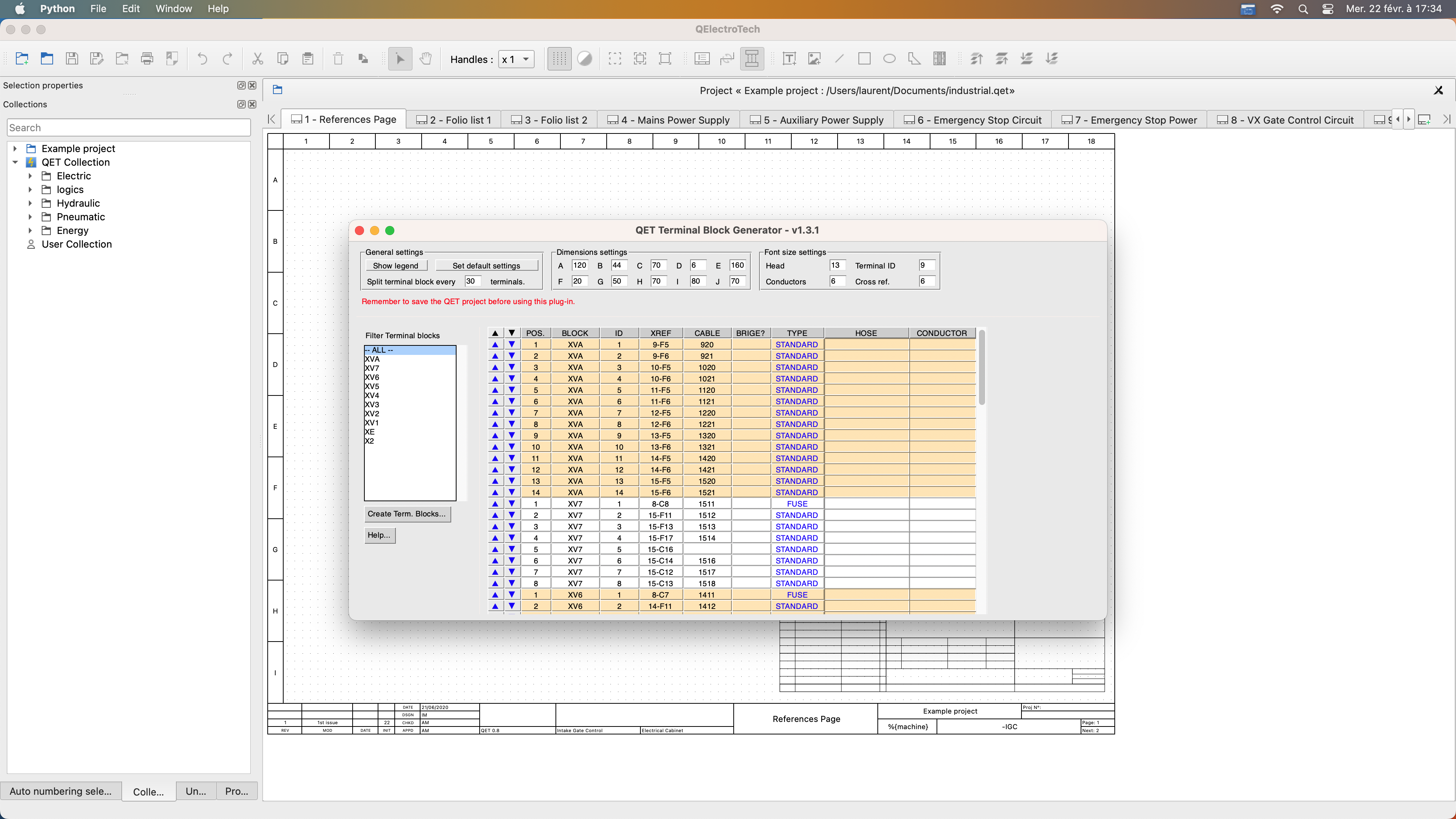
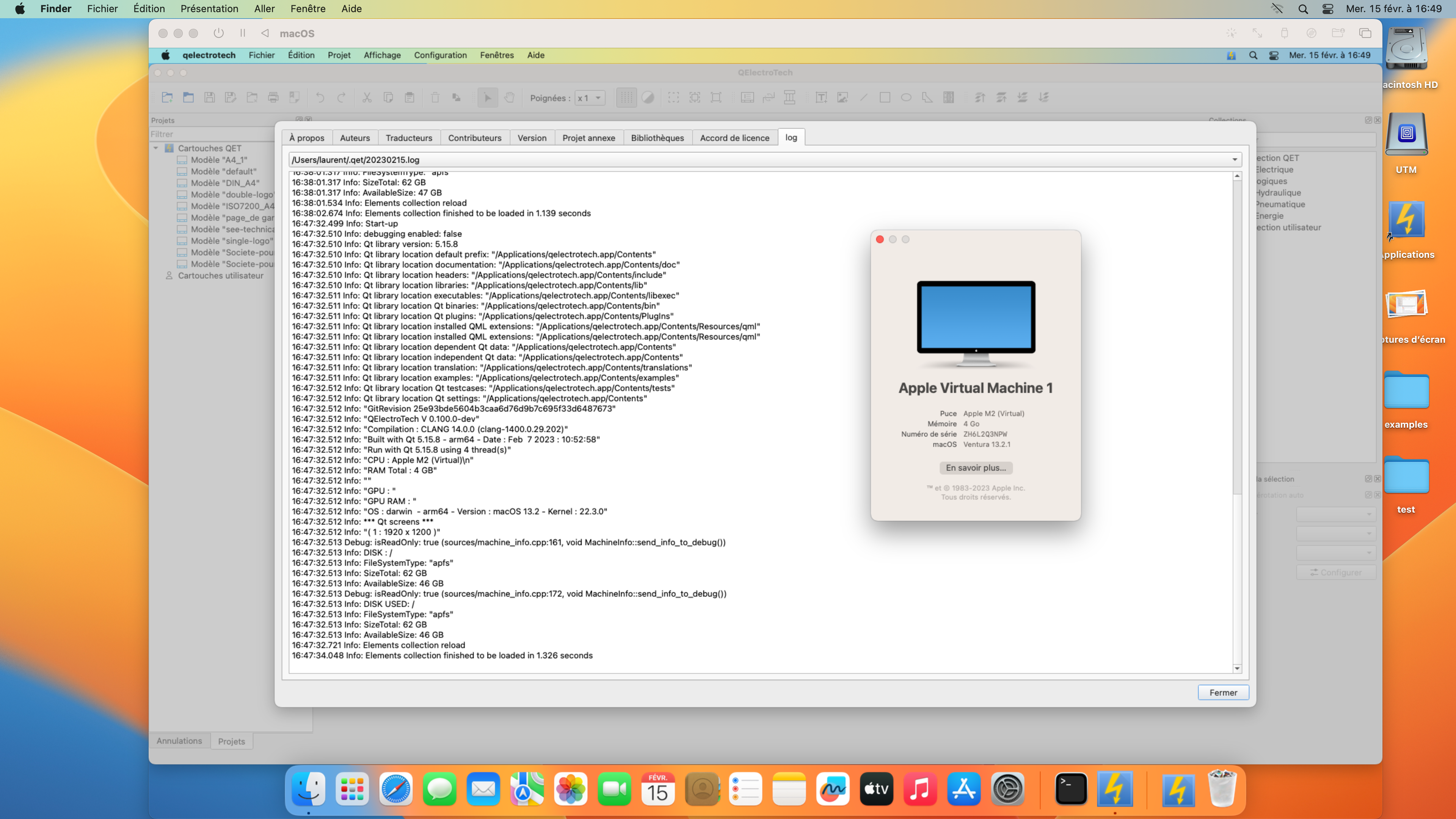
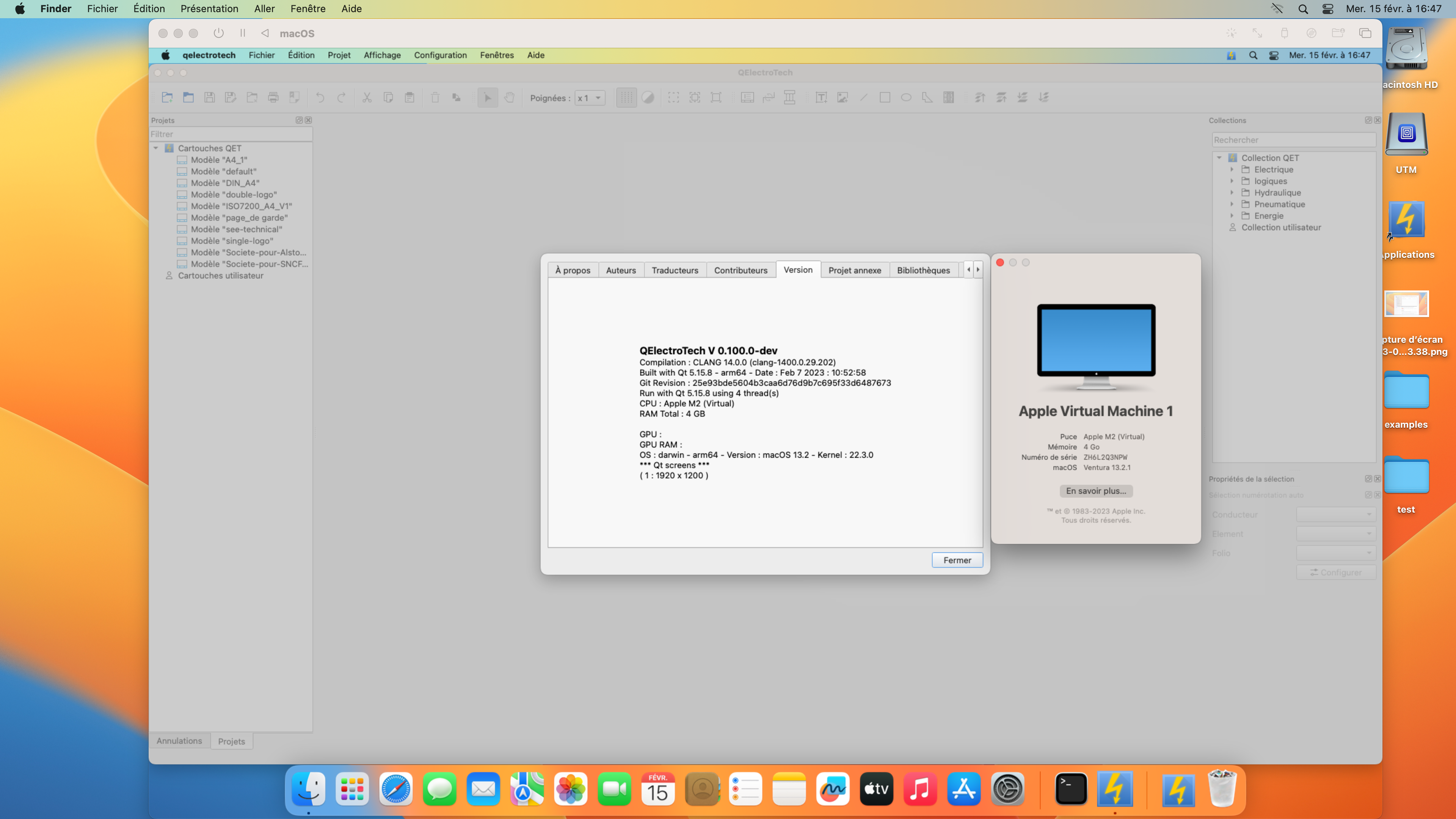
macOs arm64 ok:
QElectroTech V 0.100.0-dev
Compilation : CLANG 14.0.0 (clang-1400.0.29.202)
Built with Qt 5.15.8 - arm64 - Date : Feb 22 2023 : 17:30:28
Git Revision : 78644a35245a4c658bcaa350d17130092d31b05b
Run with Qt 5.15.8 using 8 thread(s)
CPU : Apple M2
RAM Total : 8 GBGPU :
GPU RAM :
OS : darwin - arm64 - Version : macOS 13.2 - Kernel : 22.3.0
*** Qt screens ***
( 1 : 3840 x 2160 )