

4,302 2019-02-27 11:21:48
Re: Edit Title block (2 replies, posted in EN : Help, suggestions, discussions, ...)
In settings -> display: see if "Cell properties" is checked.
4,303 2019-02-24 17:51:03
Re: DiagramEditor keys Left,Right,Up,Down stepsize changed (8 replies, posted in Code)
Revision: 5749
Author: scorpio810
Date: 2019-02-24 16:44:47 +0100 (Sun, 24 Feb 2019)
Log Message:
-----------
Add two speedsize for displacing items when working with a keyboard on
diagram editor :
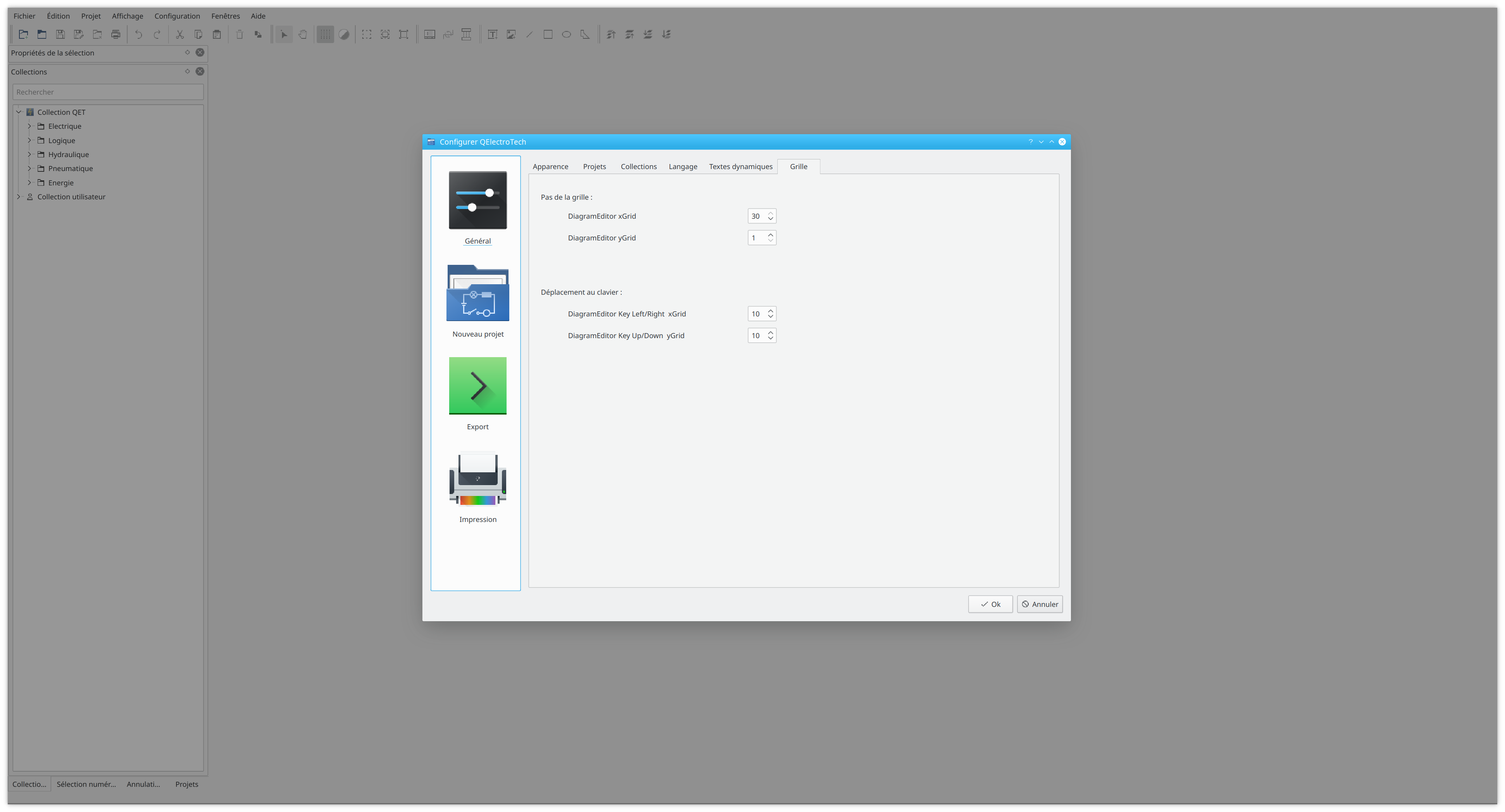
normal displacement "adjustable from 1 to 30"
(keys : Left,Right,Up,Down)
fine displacement "adjustable from 1 to 10"
(ALT + keys : Left,Right,Up,Down ), thanks Erik for his patch
4,304 2019-02-23 21:09:43
Re: Lock the elements (3 replies, posted in EN : Help, suggestions, discussions, ...)
4,305 2019-02-22 18:11:09
Re: DiagramEditor keys Left,Right,Up,Down stepsize changed (8 replies, posted in Code)
Revision: 5744
Author: scorpio810
Date: 2019-02-21 01:02:49 +0100 (Thu, 21 Feb 2019)
Log Message:
-----------
Add Erik patch : User can now change Diagram grid layout and keys
Left,Right,Up,Down stepsize
4,306 2019-02-20 23:20:25
Re: Nouveautés de la version de développement 0.7 (554 replies, posted in News)
Revision: 5738
Author: blacksun
Date: 2019-02-20 21:36:56 +0100 (Wed, 20 Feb 2019)
Log Message:
-----------
Independent text editor can now edit several texts.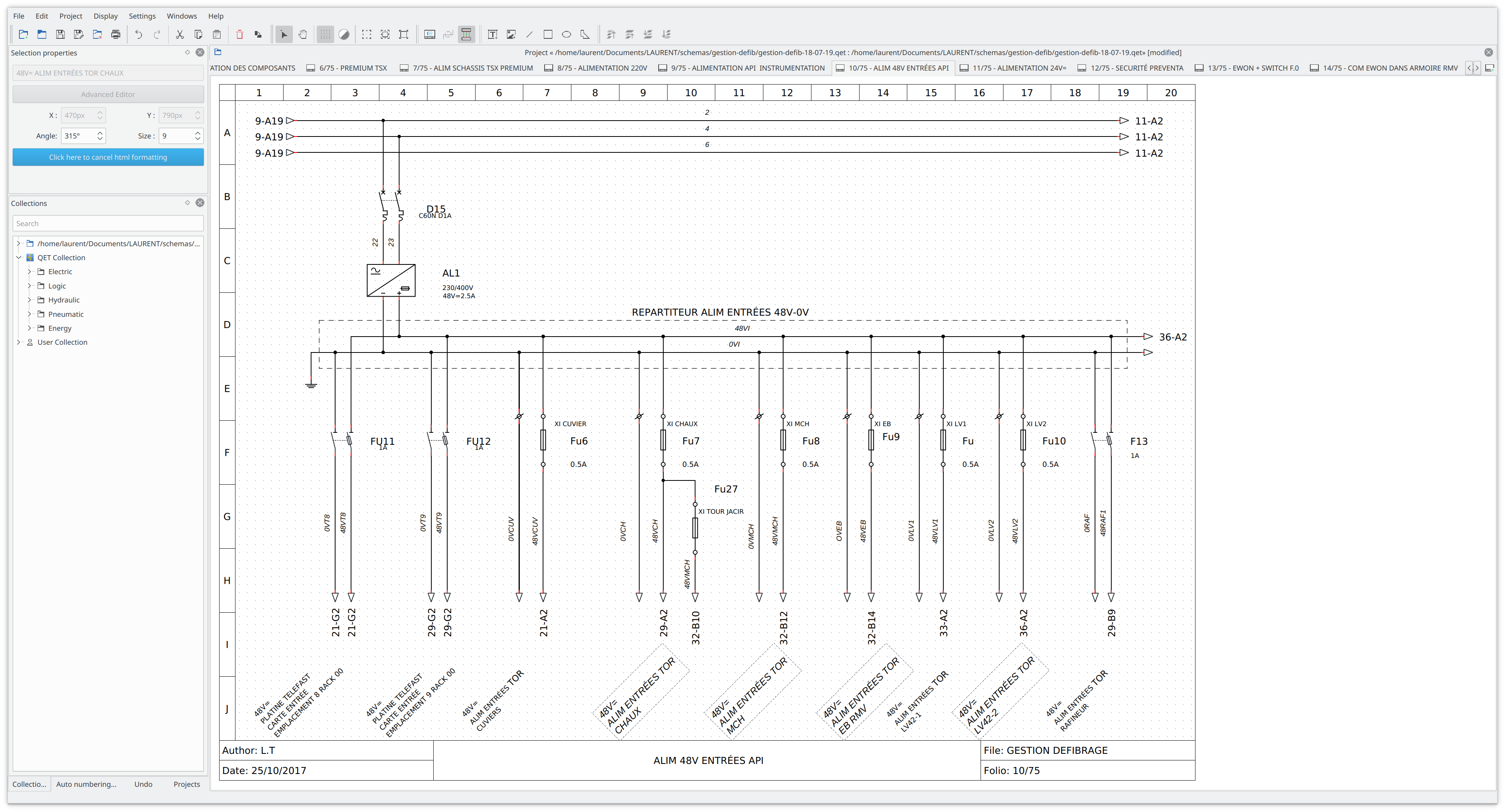
4,307 2019-02-20 10:44:47
Re: How do I create a busbar (5 replies, posted in EN : Help, suggestions, discussions, ...)
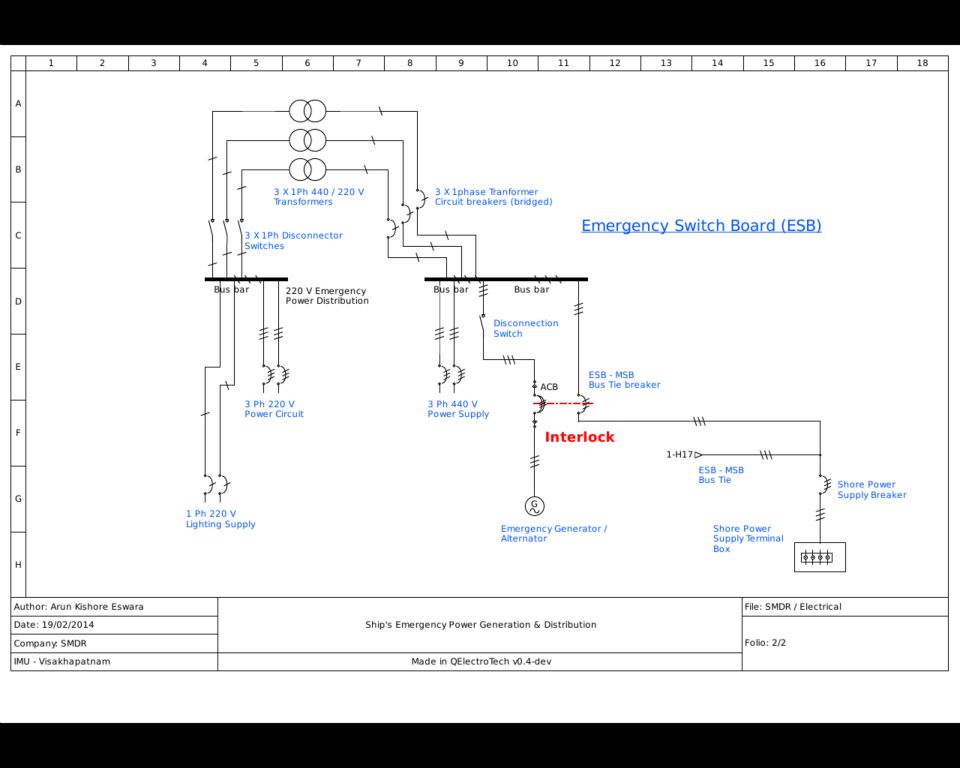
In some cases, a quickly solution is to trace over your conductor a basic shape line with a thick line to represent busbars.
4,308 2019-02-19 19:33:17
Re: Editing multiple items at once (3 replies, posted in EN : Help, suggestions, discussions, ...)
FYI, that's it, it's in the box!
But not ready yet !
Revision: 5737
Author: blacksun
Date: 2019-02-19 17:42:07 +0100 (Tue, 19 Feb 2019)
Log Message:
-----------
Diagram editor : add a new widget in the "curent selection dock" for edit the independent text. WIP
Revision: 5738
Author: blacksun
Date: 2019-02-20 21:36:56 +0100 (Wed, 20 Feb 2019)
Log Message:
-----------
Independent text editor can now edit several texts.
4,309 2019-02-19 18:10:29
Re: How do I create a busbar (5 replies, posted in EN : Help, suggestions, discussions, ...)
Perhaps this element :
4,310 2019-02-19 06:59:07
Re: How do I create a busbar (5 replies, posted in EN : Help, suggestions, discussions, ...)
See this examples : conductor in single wire mode: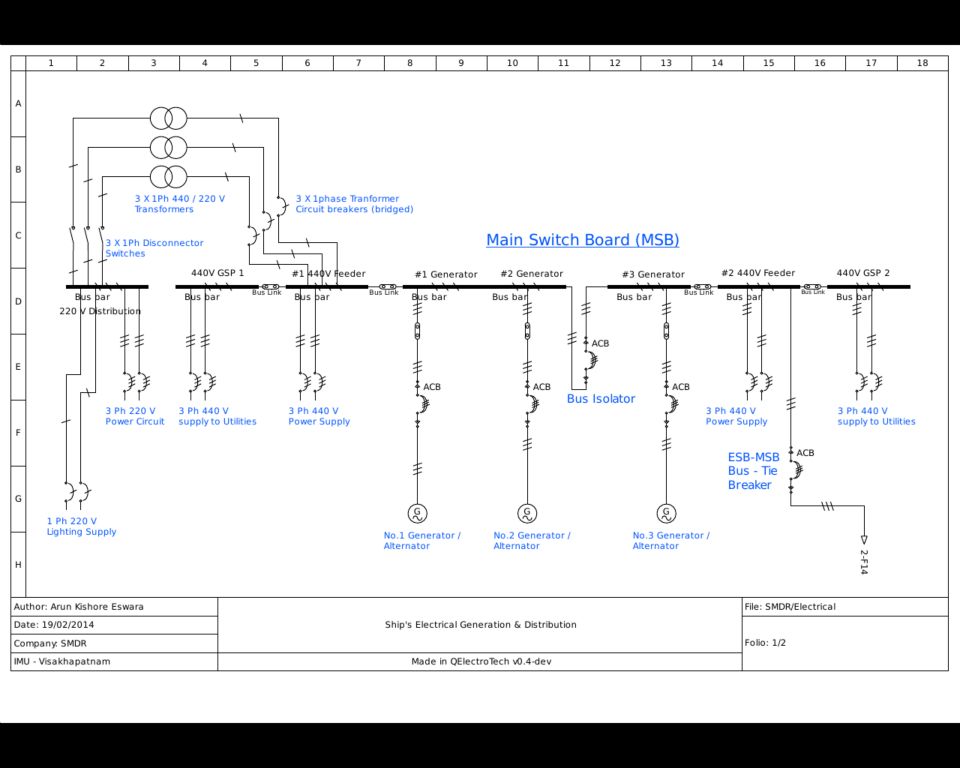
4,311 2019-02-17 14:01:18
Re: Diff ? (11 replies, posted in Code)
Get latest sources by :
svn checkout svn://svn.tuxfamily.org/svnroot/qet/qet/trunk trunkNow you can create new qtcreator project -> select your path to your folder -> trunk/qelectrotech.pro
If you want to apply a patch :
Go to your trunk folder and add patch file.
Apply patch command in terminal ;
svn patch your patch_file.diffRun qtcreator and recompile sources.
4,312 2019-02-15 22:46:02
Re: Ouverture du forum QElectroTech (13 replies, posted in FR : Aide, suggestions, discussions, ...)
Bonjour
clique sur le .dmg . Une fenêtre s'ouvre. Il suffit de glisser l'application dans le dossier "Applications" qui est à coté pour la copier. Une fois que c'est fait, l'application est installée et se trouve dans le launchpad.
https://www.macplanete.com/dossiers/273 … os-x-macos
4,313 2019-02-12 02:40:04
Re: DiagramEditor keys Left,Right,Up,Down stepsize changed (8 replies, posted in Code)
4,314 2019-02-12 00:41:52
Re: DiagramEditor keys Left,Right,Up,Down stepsize changed (8 replies, posted in Code)
Patch file :
4,315 2019-02-11 19:24:50
Re: inserting a picture (2 replies, posted in EN : Help, suggestions, discussions, ...)
Change image resolution before inserting in project, image on A4 format for printing or for PDF export don't need high resolution.
Because image stored in base64 format in the XML increase QET project.
https://www.qtcentre.org/threads/24603- … a-xml-file
Perhaps in future a solution be storing project images on a database linked to the project :
https://wiki.qt.io/How_to_Store_and_Ret … _on_SQLite
4,316 2019-02-11 02:40:53
Re: DiagramEditor Grid(grille) 1-10 (8 replies, posted in Code)
Very interesting, thanks Erik
It could be very useful to place and align elements, conductors, etc, a workaround is to use xgrid = 1, ygrid = 25 or more.
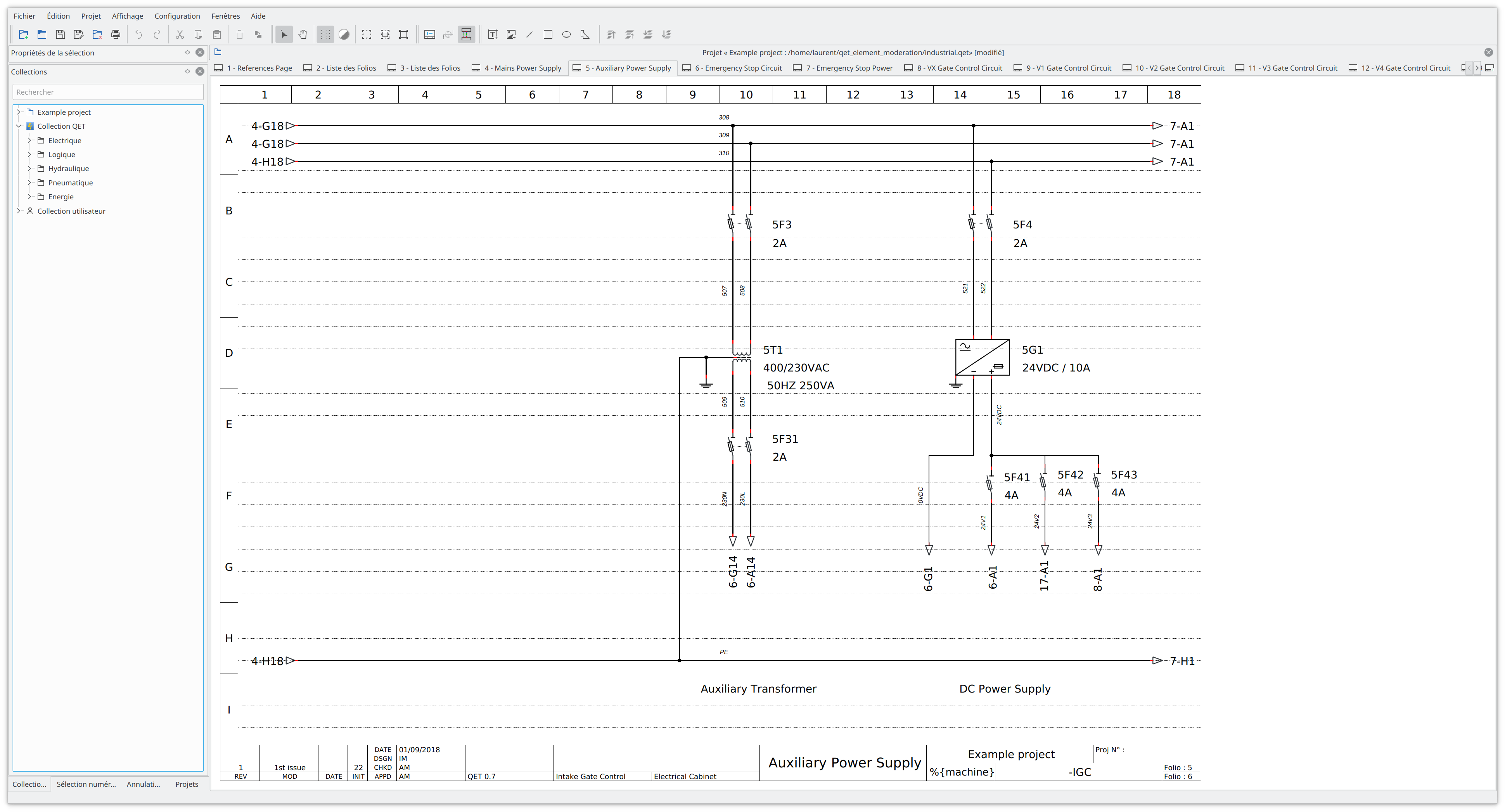
xgrid = 25, ygrid = 1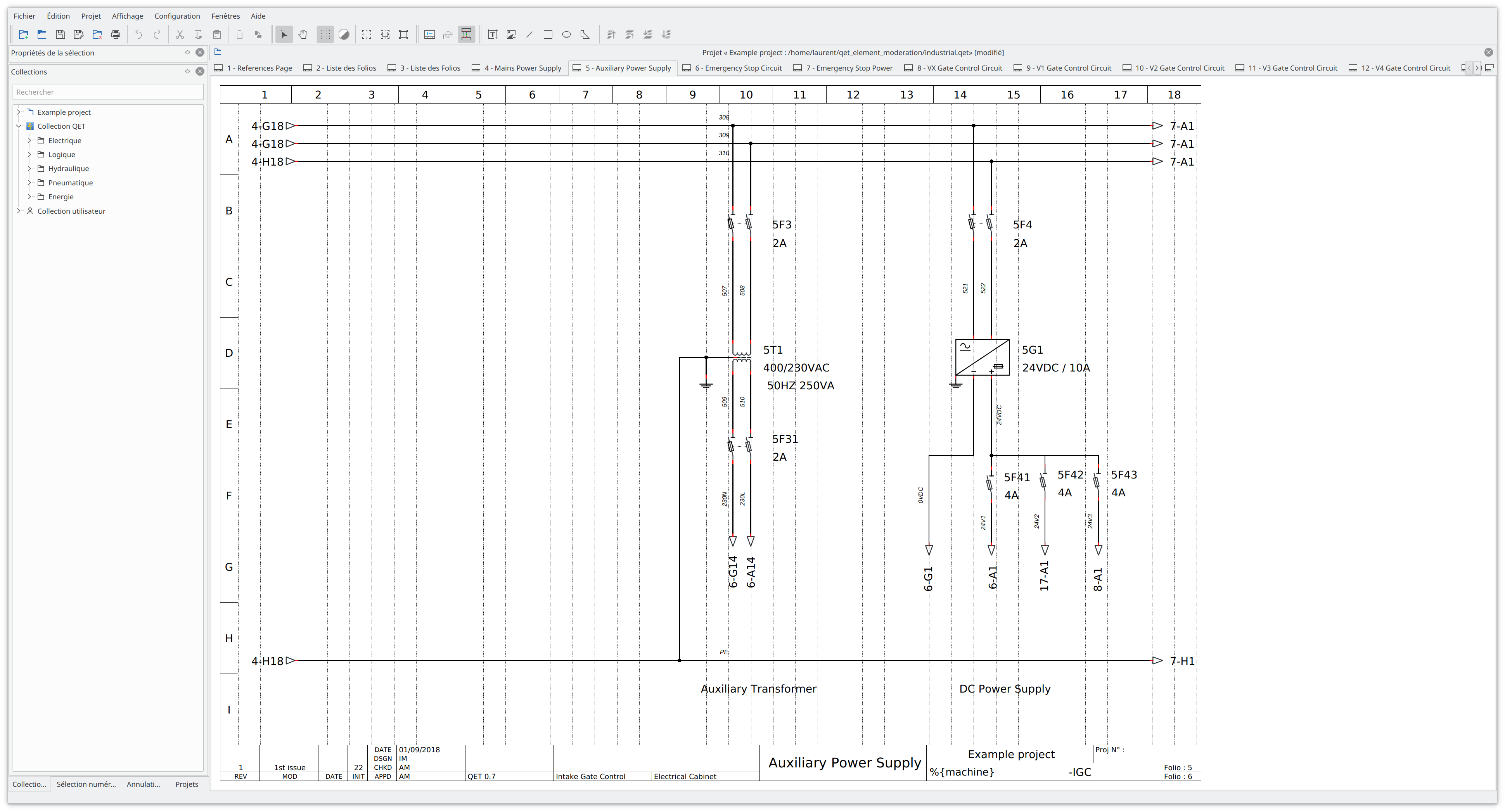
4,317 2019-02-10 21:40:27
Re: Lock the elements (3 replies, posted in EN : Help, suggestions, discussions, ...)
Only images items and basic shapes can have a locked position, not the elements.
With CTRL key + mouse you can unselect the element you don't want to move.
4,318 2019-02-10 21:02:39
Re: step of grid - 1mm (6 replies, posted in EN : Help, suggestions, discussions, ...)
Hello,
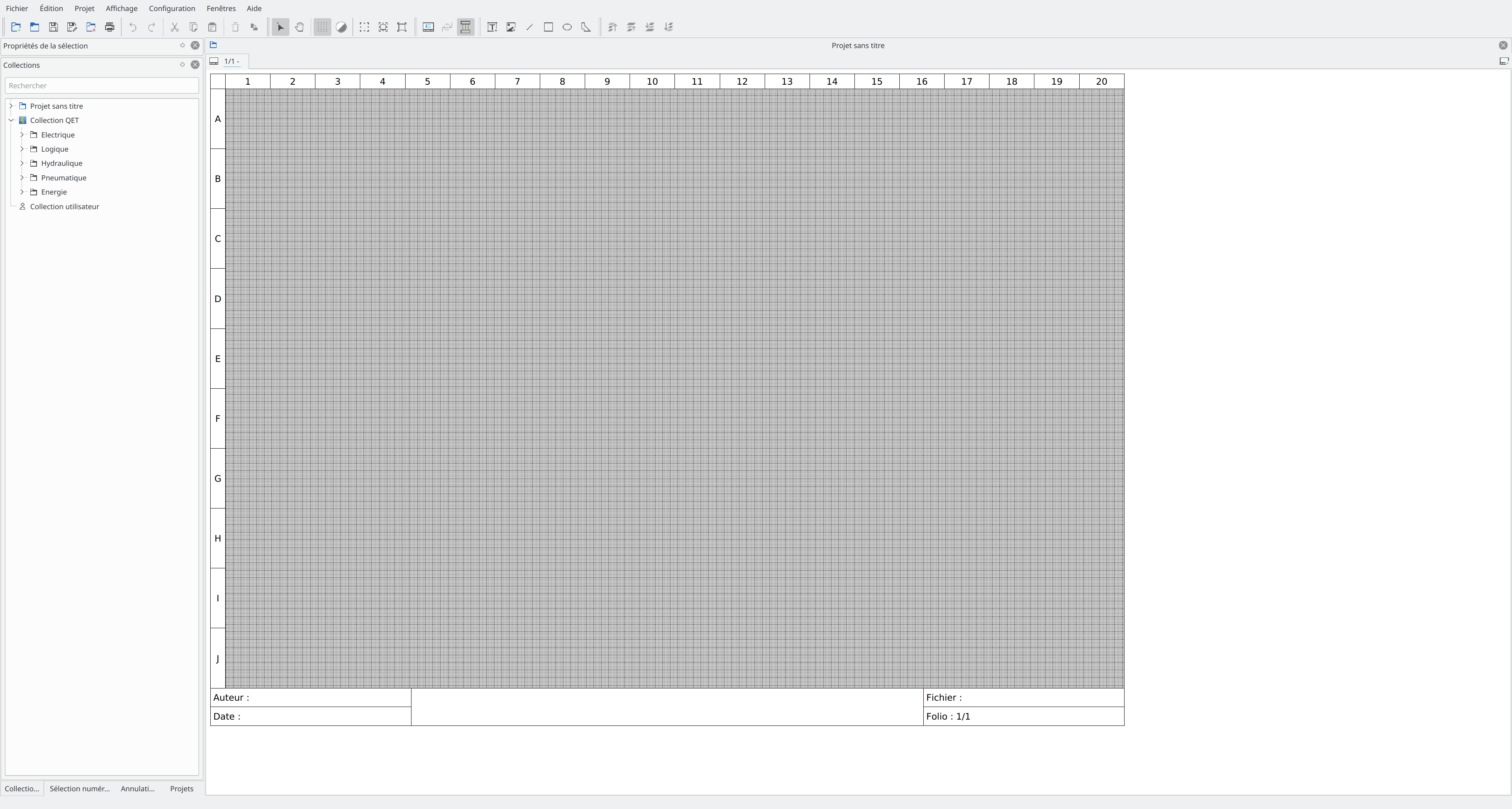
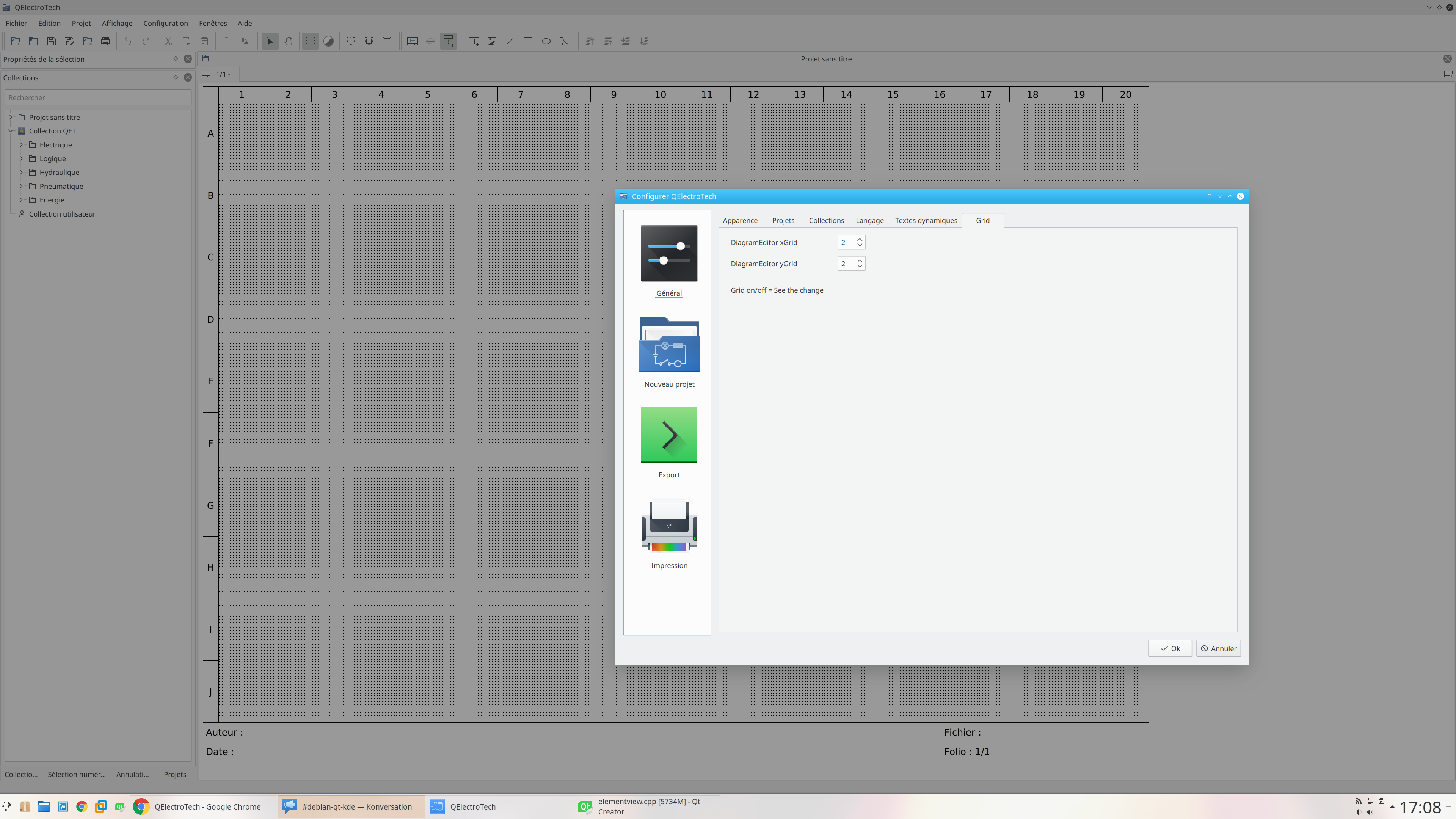
Use CTRL key + mouse for precision moving and disable snap to grid.
Edit : remove the left little rectangle on your symbols face.
4,320 2019-02-10 16:20:54
Re: Diff ? (11 replies, posted in Code)
In qtcreator go to Tools -> Version control, open Subversion tab, add /usr/bin/svn in command field (for Debian like).
4,321 2019-02-10 16:13:01
Re: Diff ? (11 replies, posted in Code)
See my notes here :
https://qelectrotech.org/wiki_new/doc/qt_creator
4,322 2019-02-10 15:30:14
Re: Diff ? (11 replies, posted in Code)
Hi Erik,
I just add your files to my Subversion local directory and overwrite them,
after i just did a svn diff > grid.diff command in terminal.
If you want try patch add grid.diff in sources directory and use svn patch grid.diff command in terminal.
You can make the same thing in qtcreator -> Go to Tools -> Subversion -> Diff project "qelectrotech"
4,325 2019-02-09 19:49:15
Re: EPLAN MACROS (3 replies, posted in EN : Help, suggestions, discussions, ...)
You could try EPlanMacroConverter for solidworks electrical it 's seem to extract in *ema files a dwg symbol, after is easy to convert to ASCII DXF and use Ronny DXF converter to create elmt QET element.