1,326

(2 replies, posted in Export DXF)

Bonjour ysw et merci pour les compliments,

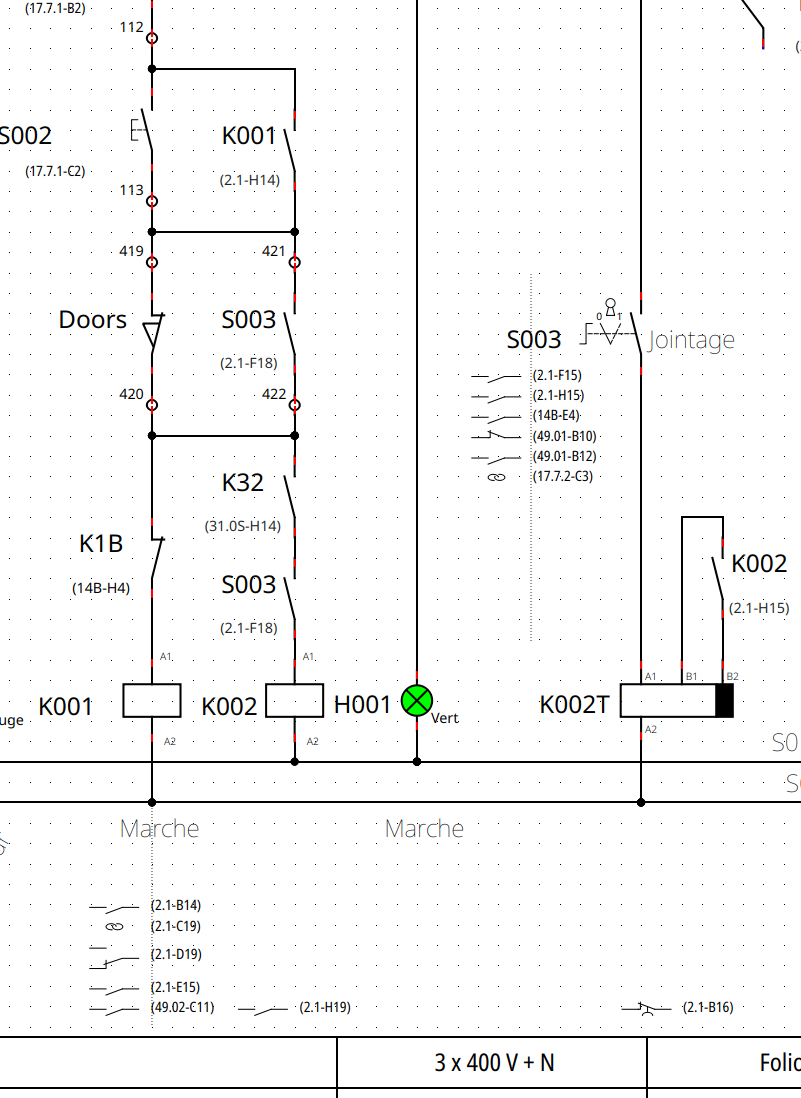
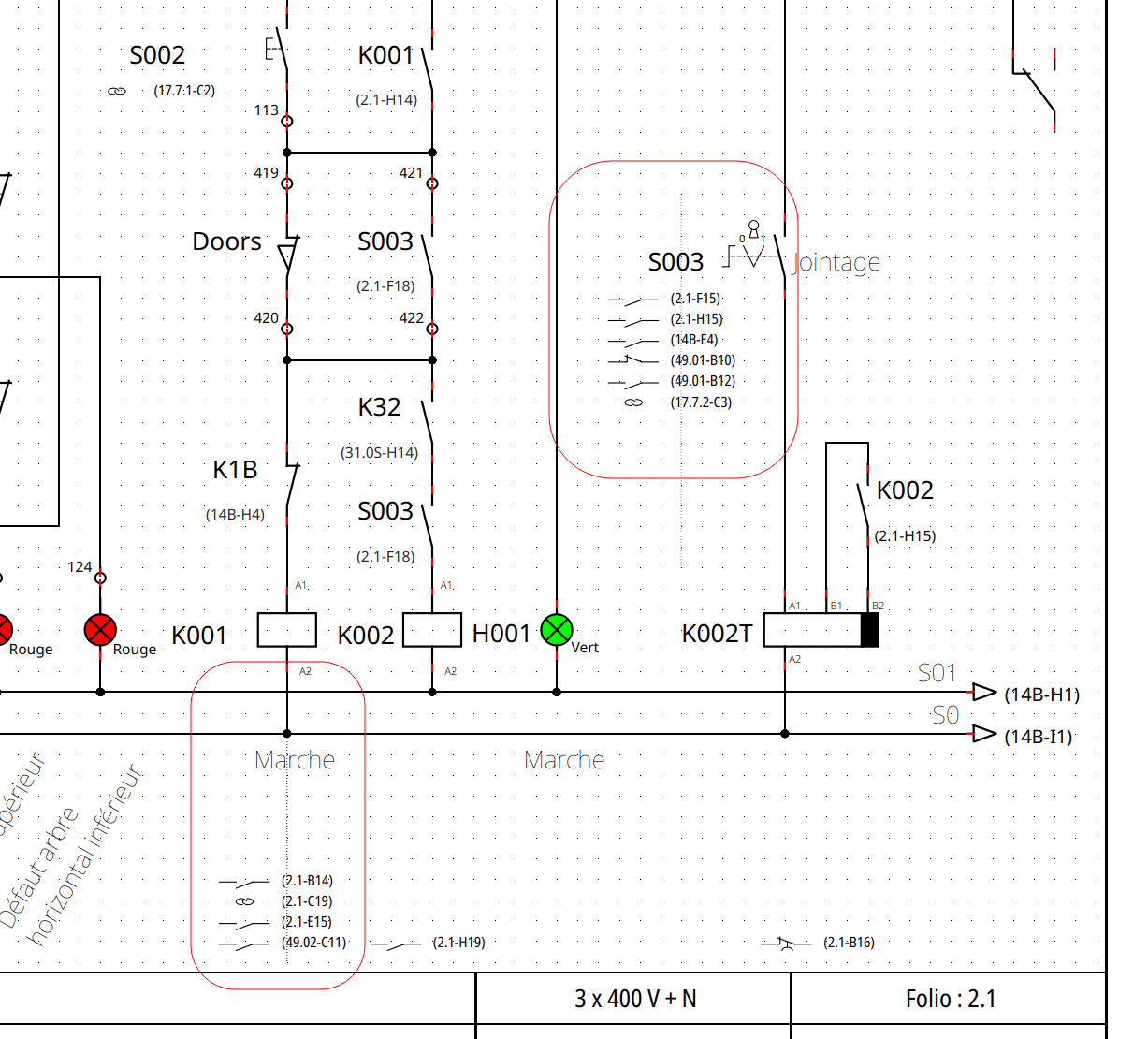
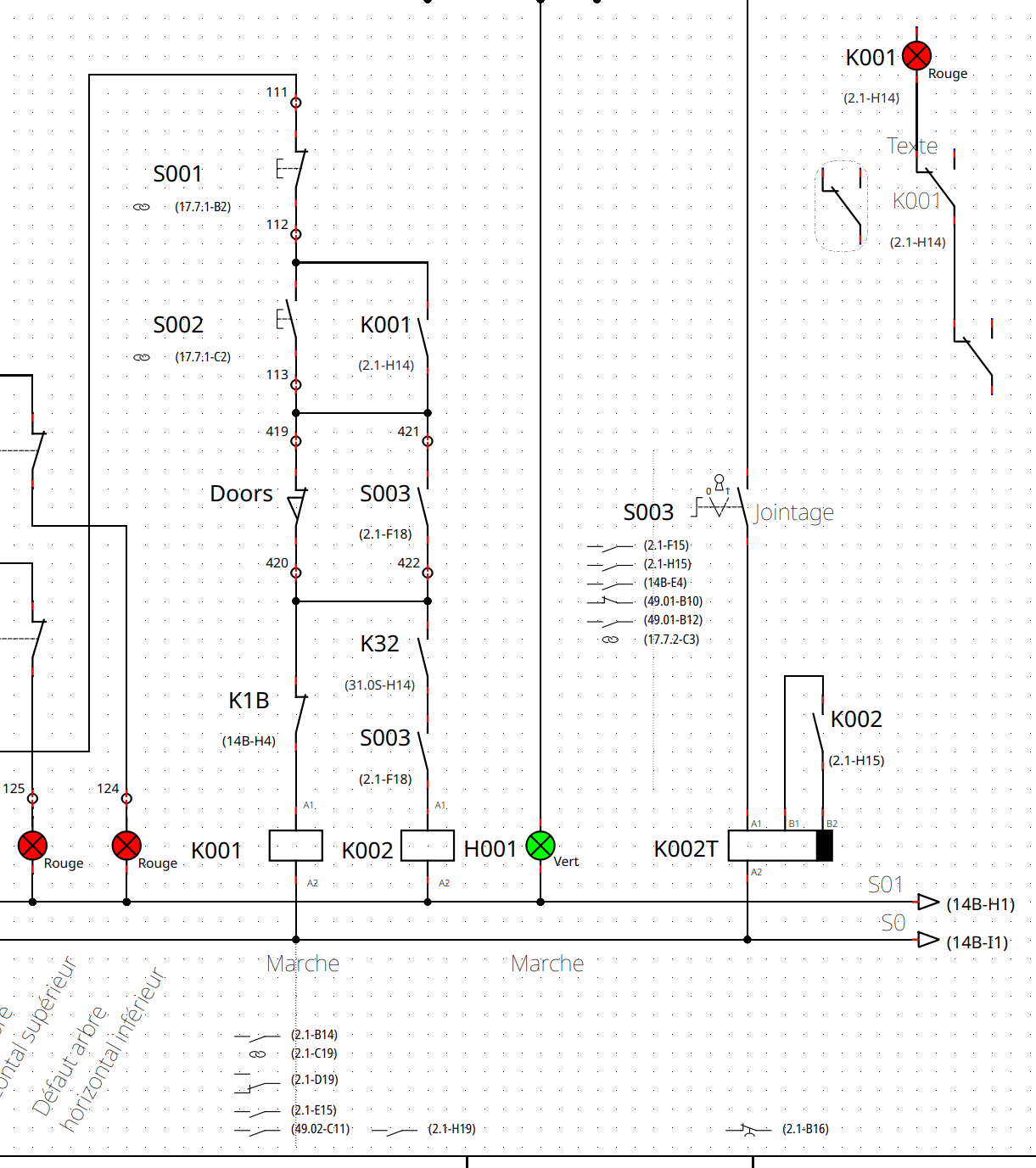
effectivement les références croisées n'apparaissent pas dans le dxf, du moins dans test sous Ventura avec la version 0.100.0 dev et edrawings, premier viewer DXF que j'ai trouvé et installé.

Je n'ai pas l'habitude de faire des exports DXF, peut-etre que Galexis et d'autres qui font souvent de l'export DXF pourront en dire plus?
https://download.qelectrotech.org/qet/forum_img_2/dxf-export-bug.pnghttps://download.qelectrotech.org/qet/forum_img_2/dxf-export-bug2.png

1,327

(14 replies, posted in EN : Help, suggestions, discussions, ...)

Hi rené nomicons/wink
with your spacemouse navigator can you zooming in/out and moving in QET?
I don't understand if you wrote is working or not, sorry.

1,328

(3 replies, posted in Videos howto)

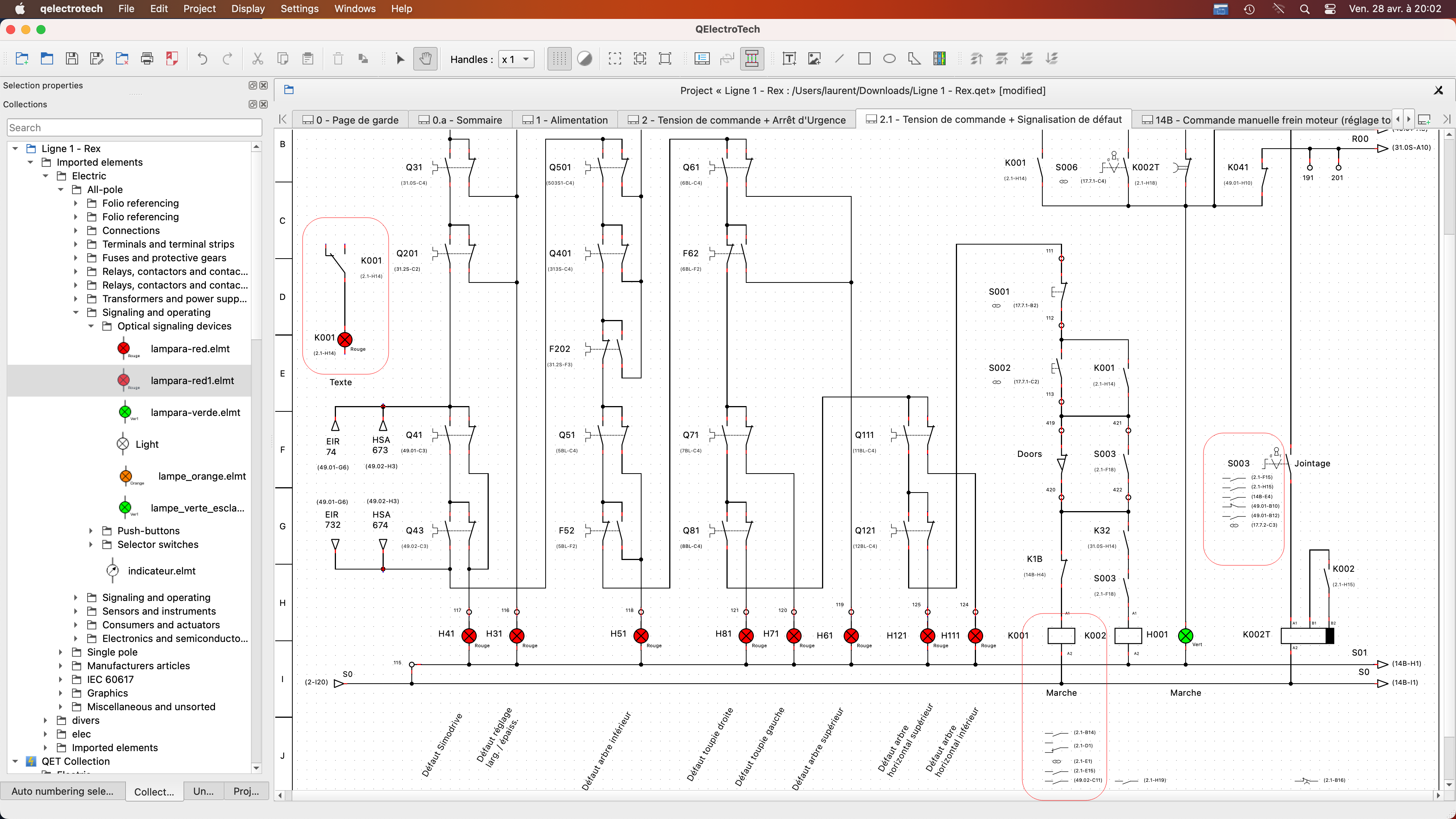
C'est facile non?

https://download.qelectrotech.org/qet/forum_img_2/text_dynamic_config.png
https://download.qelectrotech.org/qet/forum_img_2/text_dynamic_config2.png
https://download.qelectrotech.org/qet/forum_img_2/text_dynamic_config3.png
Ce qui manque c'est un raccourci vers la config dans l'éditeur d'éléments.

1,331

(14 replies, posted in EN : Help, suggestions, discussions, ...)

For you the navigator is the 6-axes joystick?
If yes it need a lot of work and coding to integrate it in code, alone I don't feel capable of it at the moment....
It would be great if with the 3D-mouse joystick we could zoom and move without adding code


Already the linux to macOS switch is confusing, and I feel more comfortable under Kde and Linux to work..

I really have trouble with APPLE extended keyboard white, whose keys are hard to see, magic mouse 2 A1657 hum the multi-touch is terrible ...

but I'm forcing myself to get used to it but it's very confusing ...

On Linux I use M510 mouse and k545+ keyboard. with 2 monitors, I learn if I buying a Dual Monitor KVM Switch HDMI 2 Port 4K@30Hz,MLEEDA USB HDMI Extended Display Switcher for 2 Computers?

1,332

(14 replies, posted in EN : Help, suggestions, discussions, ...)

very interesting this documentation if we filter on MAC..

Qt.Key_Control    On Mac OS X, this corresponds to the Command keys.
Qt.Key_Meta    On Mac OS X, this corresponds to the Control keys. On Windows keyboards, this key is mapped to the Windows key.
Qt.Key_Alt    
Qt.Key_AltGr    On Windows, when the KeyDown event for this key is sent, the Ctrl+Alt modifiers are also set.

http://srinikom.github.io/pyside-docs/P … spectratio

1,333

(14 replies, posted in EN : Help, suggestions, discussions, ...)

Have you tried arm64 packages on M1, M2 APPLE, you can?

rvamerongen wrote:

For zooming, most of the time I use a 3D-Connection mouse.

Unfortunate a 3D-Connexion navigator is not really working, but do make use of the short cuts list for some actions.

Can you use your 3D mouse with QET, does it work?

A QET user send me a 3D-mouse (spacepilot pro) but is very hard to add it in QET code, see:
https://qelectrotech.org/forum/viewtopic.php?id=2190
https://qelectrotech.org/forum/viewtopi … 941#p15941

1,336

(20 replies, posted in Videos howto)

https://alain.arditi.fr/2020/04/18/reco … -vm-linux/

https://kasikcz.medium.com/en-macos-key … 0299d5cff5


https://docs.kde.org/stable5/en/khelpce … plication.

https://www.reddit.com/r/kde/comments/c … _osx_like/

Please try last mac package: qelectrotech-0.100.0-r7844-
on https://qelectrotech.org/download_mac.html

https://git.tuxfamily.org/qet/qet.git/c … ab24ecabab

On Mac OS X, the ControlModifier value corresponds to the Command keys on the Macintosh keyboard, and the MetaModifier value corresponds to the Control keys. The KeypadModifier value will also be set when an arrow key is pressed as the arrow keys are considered part of the keypad.

http://srinikom.github.io/pyside-docs/P … spectratio

Baboune73310 wrote:

Ok
Après je ne sais pas si je suis le seul dans ce cas là, mais lorsque je dessine des bobines ou des disjoncteurs, la plupart du temps je fais une rangée complète avec le même type de configuration de  texte.
Effectivement comme je l'ai dit c'est pas vital. Mais imaginons que la dernière configuration de texte choisie reste active tant que l'on a pas sélectionné une autre.
Je ne connais pas l'impact que cela peut avoir sur le code, mais rendrait déjà pour ma part une utilisation encore plus aisée.

A voir si utile ou pas.

Que veux tu dire par configuration du texte, les polices, tailles, etc?
Exemple, je veux que tous mes prochains textes dans l'éditeur soient 9px avec une police définie, je vais dans la config, onglet textes, je change ma police et tous les prochains textes entrer dans l'éditeur seront de cette police et taille, apres quand on à fini suffit de revenir dans la config et remette la police par défaut.

Dans l'éditeur de schéma, ou d'éléments?
Dans le l'éditeur de schéma on peux sauvegarder un profil de textes dynamiques et le ré importer.

macOS
https://download.qelectrotech.org/qet/forum_img_2/macos-zoom-keys.pnghttps://download.qelectrotech.org/qet/forum_img_2/macos-zoom-keys2.png

I don't know..

rvamerongen wrote:
tiz.meneghe wrote:

Hi, Laurent
2) Adding i/I key as "zoom IN" command, o/O key as "zoom OUT" and c/C key as "zoom center", I think it's also easy to implement.
It helps a lot when you have the mouse busy holding an object or when you need to draw a line and you're off the screen...
.

+1

On Linux, Windows
Diagram:
https://download.qelectrotech.org/qet/forum_img_2/zoom_keys.png

Element editor:

https://download.qelectrotech.org/qet/forum_img_2/zoom_keys2.png

nomicons/wink

QET backup is based on KDE framework  KCoreAddons (KAutoSaveFile)

https://api.kde.org/frameworks/kcoreadd … eFile.html

https://git.tuxfamily.org/qet/qet.git/t … .cpp#n1896

Maybe possible to extend it with https://api.kde.org/frameworks/kcoreadd … ackup.html

Hi Tiziano,
thanks for feeddback, interresting if we can add automatic incremental backup like you say.

backups .bk1, .bk2, .bk3 regularly every 5 minutes, after these, .bk3=.bk2, .bk2=.bk1, and .bk3 is the new backup.

I use 2 x 27 " one in 2K other in 4K and off course isn't very easy to work with theses diagrams even on Linux, I know.
Like https://www.lg.com/fr/moniteurs/lg-45gr … lsrc=aw.ds
https://www.cowcotland.com/images.php?url=https://www.cowcotland.com/images/news/2023/03/45gr95qe-b.jpg&t=660

Definitely true. But it couldn't be done with QET development.

These projects made with QET..but not an laptop with 13", isn't possible...

Yes, we know, and it's hard sometimes, but if you see this example, some guys come up with crazy plans....
I admire the achievement and the result, very excellent, big tanks. nomicons/wink
https://github.com/qelectrotech/qelectr … iagram.qet

https://download.qelectrotech.org/qet/s … iagram.pdf

Maybe you need 4k 40" or 50" more wildescreen for??? not in laptop with 13p screen!
Like this:
https://qelectrotech.org/gallery/photos/z1c-p102.png

https://download.qelectrotech.org/qet/forum_img_2/amazing.png

personally for my projects I deactivate automatic saving..
I use another method I open the last project year/ month/day_my_project.qet
example :2022-7-23_my_very_important_project.qet
and before working on it if I make big changes I save it under the same name but on the current date... all guys should think about it...