
ok, merci du retour.
401 2025-02-19 16:53:56
Re: Problème sur les nouveaux folios (QET 0.1.00) (6 replies, posted in Terminal block generator)
402 2025-02-19 07:25:27
Re: Flatpak packages 0.100-dev (34 replies, posted in News)
S.DEFFAUX wrote:
La mise en route de la Version 1.0 es ultra rapide
Salut Sébastien,
Tu est passé sur linux?
C'est clair que sous linux c'est le jour et la nuit sur la 0.100(dev) 0.3 s contre plusieurs secondes ou longues minutes sous Windows..
403 2025-02-18 21:16:50
Re: Problème sur les nouveaux folios (QET 0.1.00) (6 replies, posted in Terminal block generator)
https://qelectrotech.org/forum/viewtopi … 879#p20879
thomas.martin198 wrote:
J'ai un projet qui fait planter le qet_tb_generator, la version standalone aussi. On voit le script de démarrage sous la fenêtre dos s'executer et le logiciel s’arrête. J'ai essayé d'utiliser la sauvegarde mais elle se comporte pareil. Idem pour des sauvegarde plus anciennes. Je ne sais donc pas quand le projet s'est mis dans cet état sachant que je n'avais pas utilisé le générateur de bornier jusque là. Le générateur de bornier est fonctionnel avec d'autre projets. Avez vous une solution s'il vous plait? Manipulation ou procédure de récupération de purge sur le projet? (le clean n'a pas marché non plus).
thomas.martin198 wrote:
ok c'est bon le problème est résolje . C'était des bornes non reliées qui posaient probleme (je constitue ue reserve). Je l'ai relié tout est bon maintenant. Merci.
404 2025-02-18 19:08:42
Re: Problème sur les nouveaux folios (QET 0.1.00) (6 replies, posted in Terminal block generator)
Humm, je suppose que tu parles du générateur de bornier(DEV) et non du plugin qet_tb-generator, car qet_tb-generator ne devrait pas se lancer, je n'ai pas vu de bornes numérotées comme il le faut label =XC:1, XC:2, XC:3, etc?
405 2025-02-18 18:27:13
Re: Problème sur les nouveaux folios (QET 0.1.00) (6 replies, posted in Terminal block generator)
Bonsoir Yohann,
d'abort sans rajouter de bornes, es-ce que le générateur de bornier s'ouvre sur ton projet?
Nous avons changé l'emplacement de certains fichiers.
Si oui, peux tu envoyer ton projet? il suffit d'éditer ton ancien post afin de voir les boutons sélectionner et envoyer un fichier.
https://qelectrotech.org/forum/viewtopi … 884#p20884
j'ai remarqué que le générateur de bornier ne s'ouvre pas lorsque j'insère un nouveau borniers sur un nouveau folio d'un projet existant.
Je viens de tester de rajouter un nouveau bornier sur un projet existant, le plugin qet_tb-generator se lance et voit bien mon nouveau bornier!
406 2025-02-18 14:43:44
Re: Swedish translation (9 replies, posted in Code)
I'm really looking forward to seeing your Qt6 branch of QET,
and doing some testing to see if there are any regressions because Qt5X ceases to be supported.
I've read that Debian will still support Qt 5.15X in the next stable release, but after that....?
407 2025-02-18 14:25:06
Re: freepascal-code to take a QET- Element and scale the content by a fact (44 replies, posted in Scripts)
plc-user wrote:
"Merci" to Laurent, who supported with building all binaries!
"Danke" to plc-user, for your great work! 
408 2025-02-17 17:16:01
Re: Swedish translation (9 replies, posted in Code)
I added your work and created myself the PR and merged it.
If you could add other translations in misc folder like:
qelectrotech.appdata.xml
qelectrotech.xml
org.qelectrotech.qelectrotech.desktop
In build-aux/windows/
lang_extra.nsh
Thanks,
Laurent
409 2025-02-17 08:01:11
Re: Swedish translation (9 replies, posted in Code)
Hello and welcome elevatormind,
yes you can make an pull request for your Swedish translations, thanks.
2. We are very interested to see your Qt6/KF6 QET branch and try it out.
1. same like 2.
Best regards,
Laurent
410 2025-02-16 15:35:27
Re: Wire labeling and listing (9 replies, posted in EN : Help, suggestions, discussions, ...)
Humm in this file in XML I want to search attributes "comment" and maybe other like location, etc
</element>
<element type="embed://import/10_electric/10_allpole/310_relays_contactors_contacts/01_coils/bobine3.elmt" freezeLabel="false" prefix="" uuid="{3b02493a-0cc1-4596-8d05-b04f4e0c5aed}" orientation="0" y="350" z="10" x="500">
<terminals>
<terminal id="12" orientation="0" y="-16" x="0"/>
<terminal id="13" orientation="2" y="16" x="0"/>
</terminals>
<inputs/>
<links_uuids>
<link_uuid uuid="{086f7776-ce74-4ce4-990e-c9dd4d1bf64a}"/>
<link_uuid uuid="{d73712d9-b8a3-4755-aaa7-f2d287dd8f41}"/>
</links_uuids>
<elementInformations>
<elementInformation show="1" name="comment">marche pompe 1</elementInformation>
<elementInformation show="1" name="label">ka1</elementInformation>
<elementInformation show="1" name="location">localisation</elementInformation>
</elementInformations>
<dynamic_texts>
<dynamic_elmt_text keep_visual_rotation="false" Valignment="AlignTop" rotation="0" uuid="{18710f6f-f869-4095-9d52-546d1aa1873b}" text_from="UserText" Halignment="AlignLeft" y="11.3333" font="Sans Serif,4,-1,5,25,0,0,0,0,0" x="2" frame="false" text_width="-1">
<text>A2</text>
</dynamic_elmt_text>
<dynamic_elmt_text keep_visual_rotation="false" Valignment="AlignTop" rotation="0" uuid="{7b284f9c-3044-441b-9eda-f083b33e4a6f}" text_from="UserText" Halignment="AlignLeft" y="-24.6667" font="Sans Serif,4,-1,5,25,0,0,0,0,0" x="2" frame="false" text_width="-1">
<text>A1</text>
</dynamic_elmt_text>
<dynamic_elmt_text keep_visual_rotation="false" Valignment="AlignTop" rotation="0" uuid="{1b8862ad-2a23-4db0-a878-415ab778840e}" text_from="ElementInfo" Halignment="AlignLeft" y="-9.1667" font="Sans Serif,9,-1,5,50,0,0,0,0,0" x="25" frame="false" text_width="-1">
<text>ka1</text>
<info_name>label</info_name>
</dynamic_elmt_text>
</dynamic_texts>
I'm pulling my hair out and I don't need it ! ...with xmlstarlet if anyone has any ideas?
xmlstarlet sel -T -t -m /project/diagram/conductors/conductor -s A:N:- "@num" -v "concat(@num,';',@conductor_color,';',@function,';',@tension_protocol,';',@conductor_section,';',@element1_label,';',@terminalname1,';',@element1_name,';',@element1_linked,';',element1_linked/elementInformations/elementInformation[@name='comment']/@value,';' ,@element1_label,';',@element2_label,';',@element2_name,';',element2_linked/elementInformations/elementInformation[@name='comment']/@value,';',@element2_linked,';',@terminalname2,';')" -n sansnom2.qet >list_num77.csvMaybe I'm going the wrong way with xmlstarlet and should try xmllilnt?
411 2025-02-16 11:41:12
Re: Wie erstellt man am besten eine Netzliste? (20 replies, posted in DE : Hilfe, Vorschläge, Unterhaltungen...)
@stephan:
see https://qelectrotech.org/forum/viewtopi … 100#p20100
412 2025-02-15 11:22:47
Re: Mirror or Flip (26 replies, posted in Elements)
robert.squires wrote:
I need to reverse an element.
I can rotate it 180 degrees but then it needs to be 'flipped'
Or if I can simply 'Mirror' that might do it.
See new plc-user 's PR:
https://github.com/qelectrotech/qelectr … bf2da6b10f
element-editor: fix rotation, add mirror, add flip for graphical primitives
Now that the problem with the translations of keyboard shortcuts has been resolved and rotation using the space bar works reliably in principle, I took a closer look at the rotation function itself in the element editor.I noticed, for example, that arcs can be rotated at an angle of 15°. This doesn't really make sense, as the “arc” part doesn't have the “rotation” property. There is only width and height.
And somehow rotating arcs didn't work well: start- and span-angles weren't adjusted.Lines and polygons can be rotated in 15° increments, which doesn't make much sense, if other parts that can only be rotated in 90° increments are selected at the same time.
To make a long story short:
I reworked the rotation functions of the graphical parts so that now all parts are rotated in 90° steps around the origin! This means that it is now possible to mark several parts and rotate them around the same point at the same time!In addition, the functions for mirroring graphic parts at y-axis (shortcut "M") and flipping at x-axis (shortcut "F") have been implemented.
I have saved the text elements for later!
(or someone else)
413 2025-02-14 06:44:32
Re: Russian videos (1 replies, posted in Videos howto)
414 2025-02-13 17:31:40
Re: Elements Schneider (7 replies, posted in Elements)
Hallo plc-user,
I do not like to contradict you, but the elements of the mentioned manufacturer and sub-dirs are identical in both collections!
It's my fault, I saw later that the files in the two collections directory and folder were identical. 
Some elements seem to be edited using a text editor in order to add translations
This is the best way of adding translations so far, without the svn/git differences being inflated by the hazardy registration of xml attributes since Qt 5X.
415 2025-02-13 10:02:00
Re: German videos (4 replies, posted in Videos howto)
416 2025-02-12 20:15:15
Re: Elements Schneider (7 replies, posted in Elements)
Hallo plc-user,
The two repositories and collections are complementary.
you may need to search both collections...
See history commits
https://github.com/qelectrotech/qelectr … mits/main/
And first commit:
https://github.com/qelectrotech/qelectr … 992ea2db6e
417 2025-02-09 15:42:27
Re: Elements Schneider (7 replies, posted in Elements)
Bonjour,
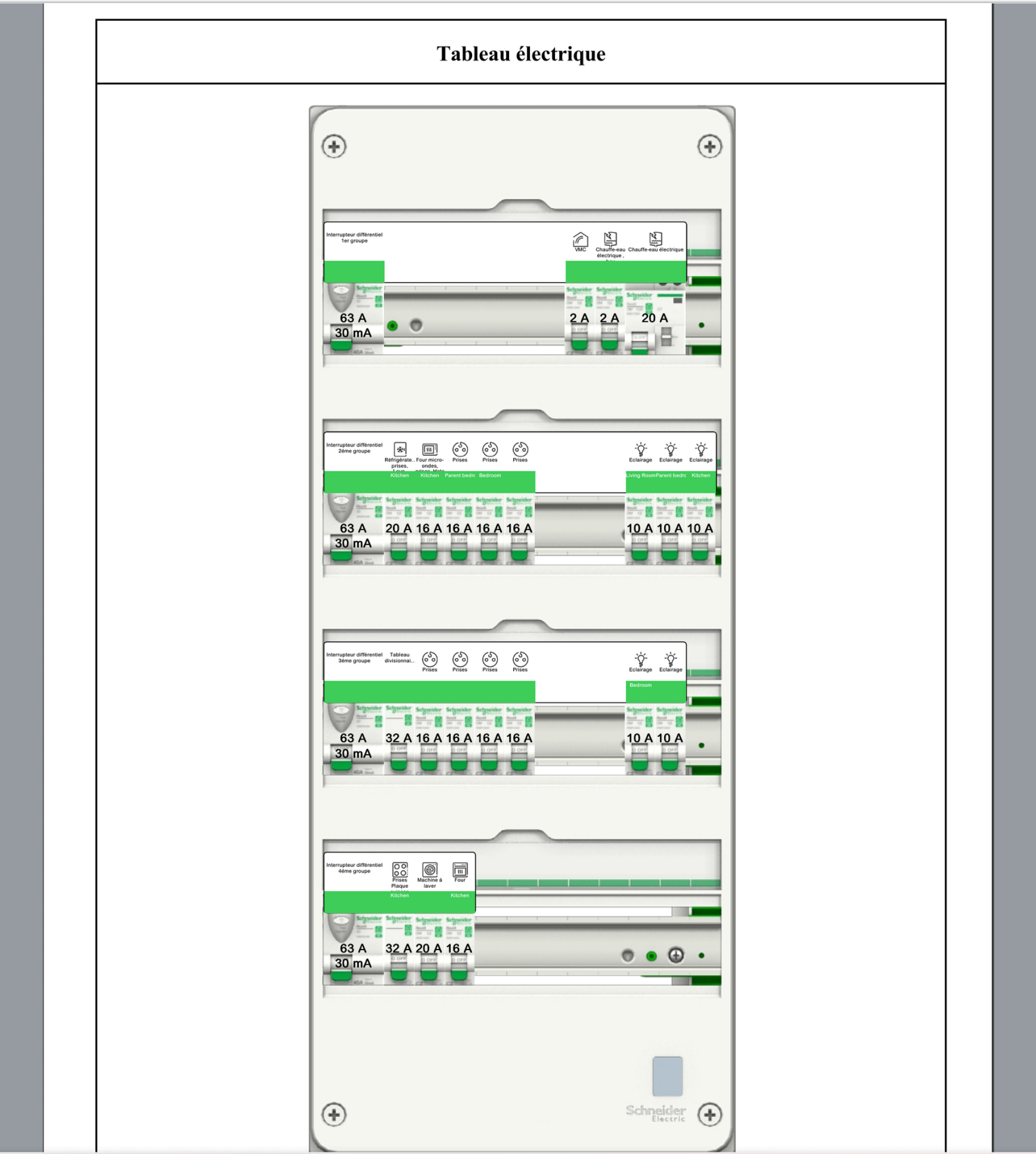
ayant monté moi aussi en rénovation chez moi un tableau en Schneider Resi9 XE 4 rangées je n'ai rien trouvé dans nos collections du moins en Resi9 XE ..., par manque de temps je me suis rabattu (chut, faut pas le dire, uhu) chez schneider qui propose un logiciel qui te permet d'imprimer le schéma de principe de ton tableau ainsi que la mise en place, et d'imprimer les étiquettes de repérage.
https://download.qelectrotech.org/qet/e … index.html
418 2025-02-09 12:53:26
Re: Decimal places in element-file (13 replies, posted in EN : Help, suggestions, discussions, ...)
The copy-and-paste function in the source code is complex and should be adapted by someone who understands more about Qt programming.
https://github.com/qelectrotech/qelectr … w.cpp#L204
https://github.com/qelectrotech/qelectr … e.cpp#L649
419 2025-02-09 11:34:07
Re: Decimal places in element-file (13 replies, posted in EN : Help, suggestions, discussions, ...)
We need to ask ourselves some questions before:
[1]
Is this really a problem today, and slowly QET, or element editor, I don't know?
In 2015, yes with Qt 4 and no UUID, because computing power was very limited 32 bits, one core CPU, little RAM on setup, and QET launches took a very long time, even though there were far fewer symbols in the collection.
Maybe can be affect element editor in 2015 year's.
Since the upgrade to Qt 5X, Qt has been storing XML attributes as a lottery, which means we've had to do a lot of work to make QET faster.
[2]
Copying and pasting primitives from several elements is very useful and I've used it a lot to create new symbols from scratch.
[3]
As long as the clipboard copy doesn't involve rounding off the primitives pasted, there's no point in wasting time writing a batch script to correct the collection until the source of the problem has been found and solved...
[4]
QET_element_Scaler round primitives to two decimal when scaling, mirroring or flip the element?
DXf2elmt round primitives to two decimal when converting a large DXF into an element?
=============================================
BTW, One of the priorities that I think is essential would be this:
https://qelectrotech.org/forum/viewtopic.php?id=2486
And maybe add new type and drawning contact for start delay star triangle, like LADS2..., and pre-break contact disconnector ?


pre-break contact disconnector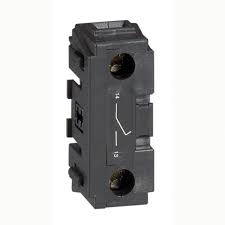
420 2025-02-08 19:15:17
Re: Decimal places in element-file (13 replies, posted in EN : Help, suggestions, discussions, ...)
Hallo plc-user!
I have mixed feelings when I see the post by Luf, who wants to make maybe 10 meters XXXXL plotter drawingof the medium-voltage system at the factory where he's doing his work placement.
I have a colleague who did the same on a 3 meters plan, for the 5.5KV cells and other TGBT on our industrial site since 63KV distribution.
421 2025-02-08 11:01:37
Re: BUG ReadyToUse : 8275 <version <8313 (14 replies, posted in FR : Aide, suggestions, discussions, ...)
Your diff seem's to be fixing this issue.
422 2025-02-08 07:29:53
Re: BUG ReadyToUse : 8275 <version <8313 (14 replies, posted in FR : Aide, suggestions, discussions, ...)
Hallo plc-user,
see this project in examples directory: Projet_vierge.qet
423 2025-02-07 17:41:46
Re: BUG ReadyToUse : 8275 <version <8313 (14 replies, posted in FR : Aide, suggestions, discussions, ...)
We should wait for a response from Galexis before correcting the code.
As far as I'm concerned, if the variables are empty, there's no need to display them in the project!
424 2025-02-07 17:25:36
Re: BUG ReadyToUse : 8275 <version <8313 (14 replies, posted in FR : Aide, suggestions, discussions, ...)
Original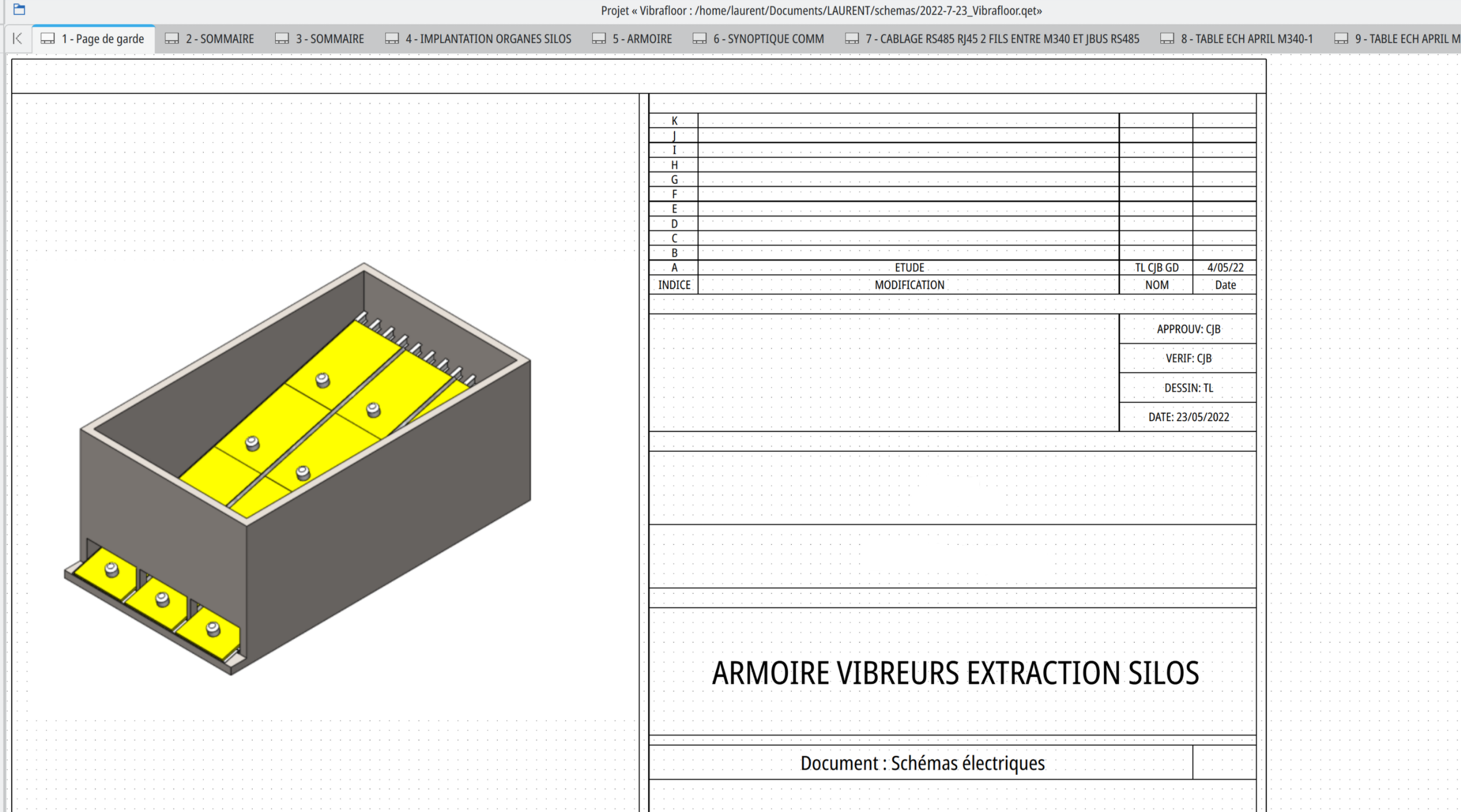
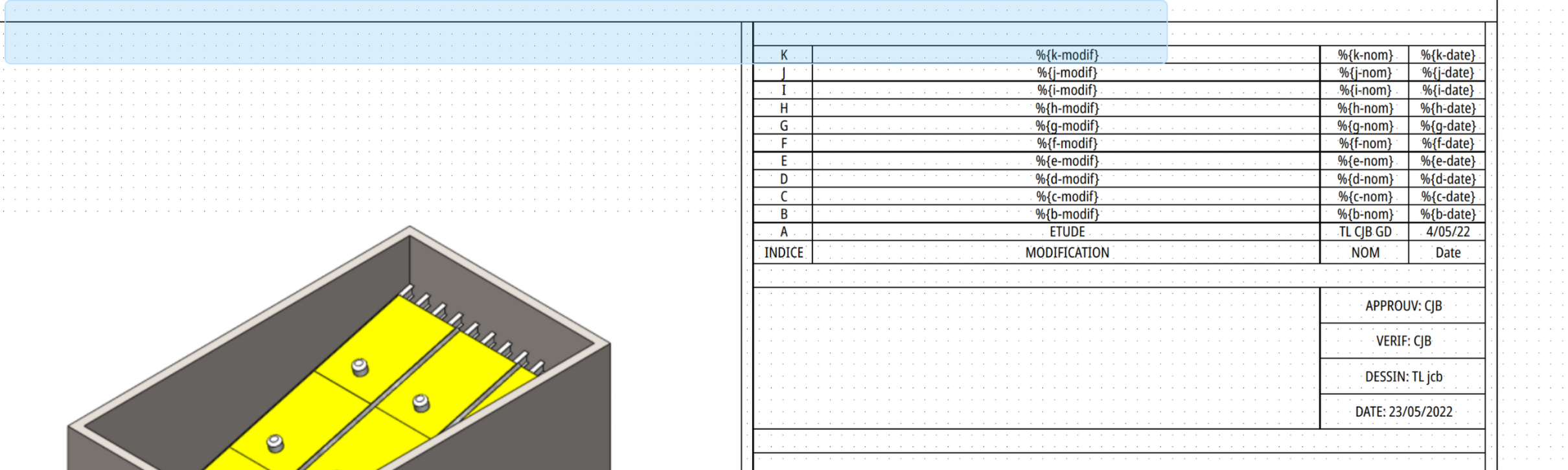
No need to edit old variables, empty variables was affiched! just saving with new 0.100-dev versions!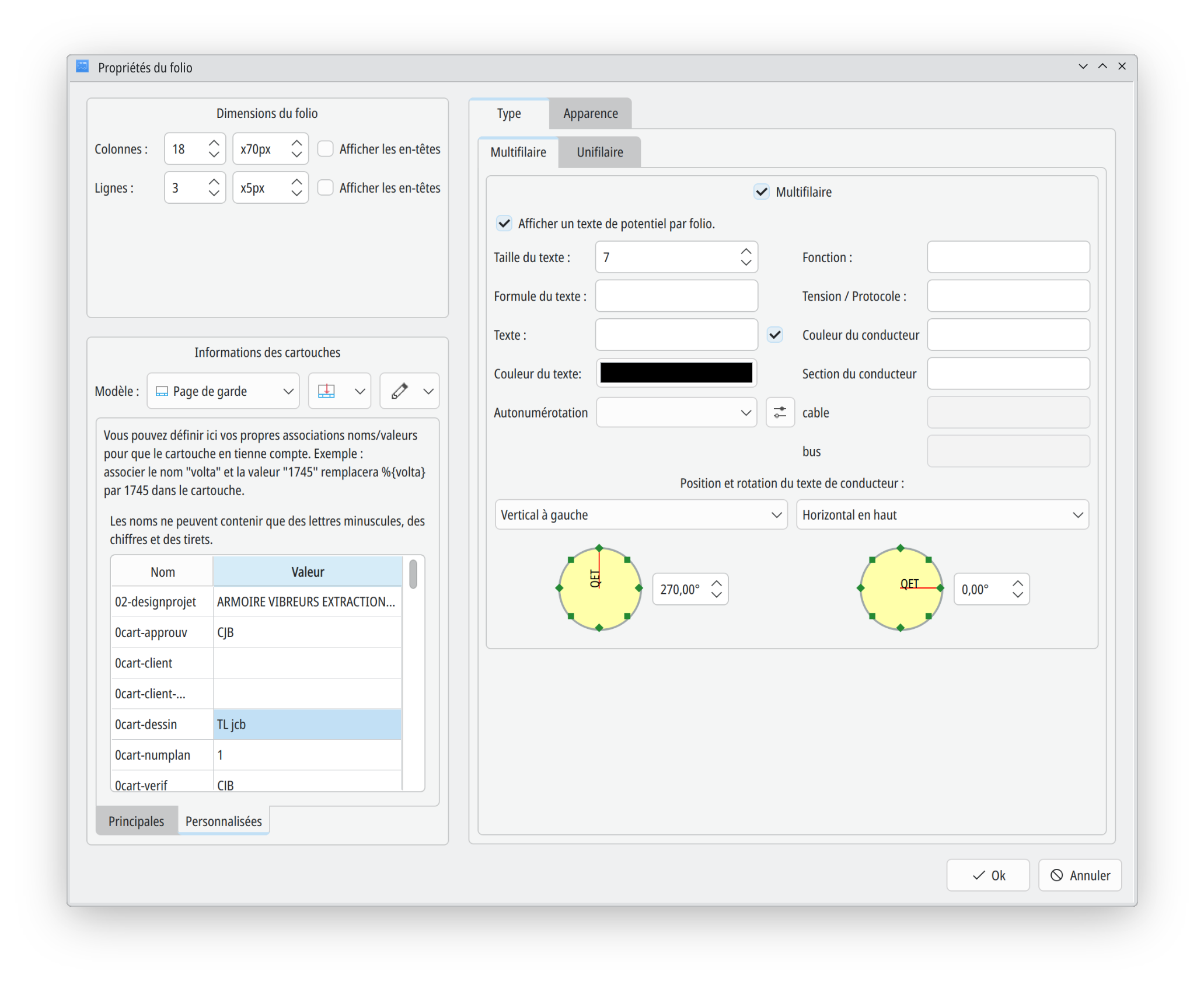
425 2025-02-07 16:19:08
Re: BUG ReadyToUse : 8275 <version <8313 (14 replies, posted in FR : Aide, suggestions, discussions, ...)
Bonjour Alexis,
merci du retour,
peux tu être plus précis en donnant le sha5 des commits?
galexis wrote:
La 8290 n'a pas le problème
Installer_QElectroTech-0.100.0_x86_64-win64+git8290-1.exe 2025-01-30 10:29 23M