rename D:\QT\5.12.4\mingw73_32\lib\libKF5CoreAddons.dll.a to libKF5CoreAddons.a
rename D:\QT\5.12.4\mingw73_32\lib\libKF5WidgetsAddons.dll.a to libKF5WidgetsAddons.a

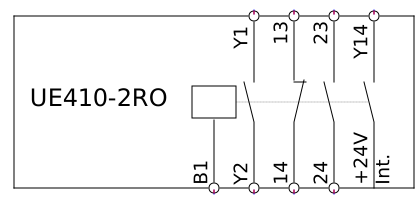
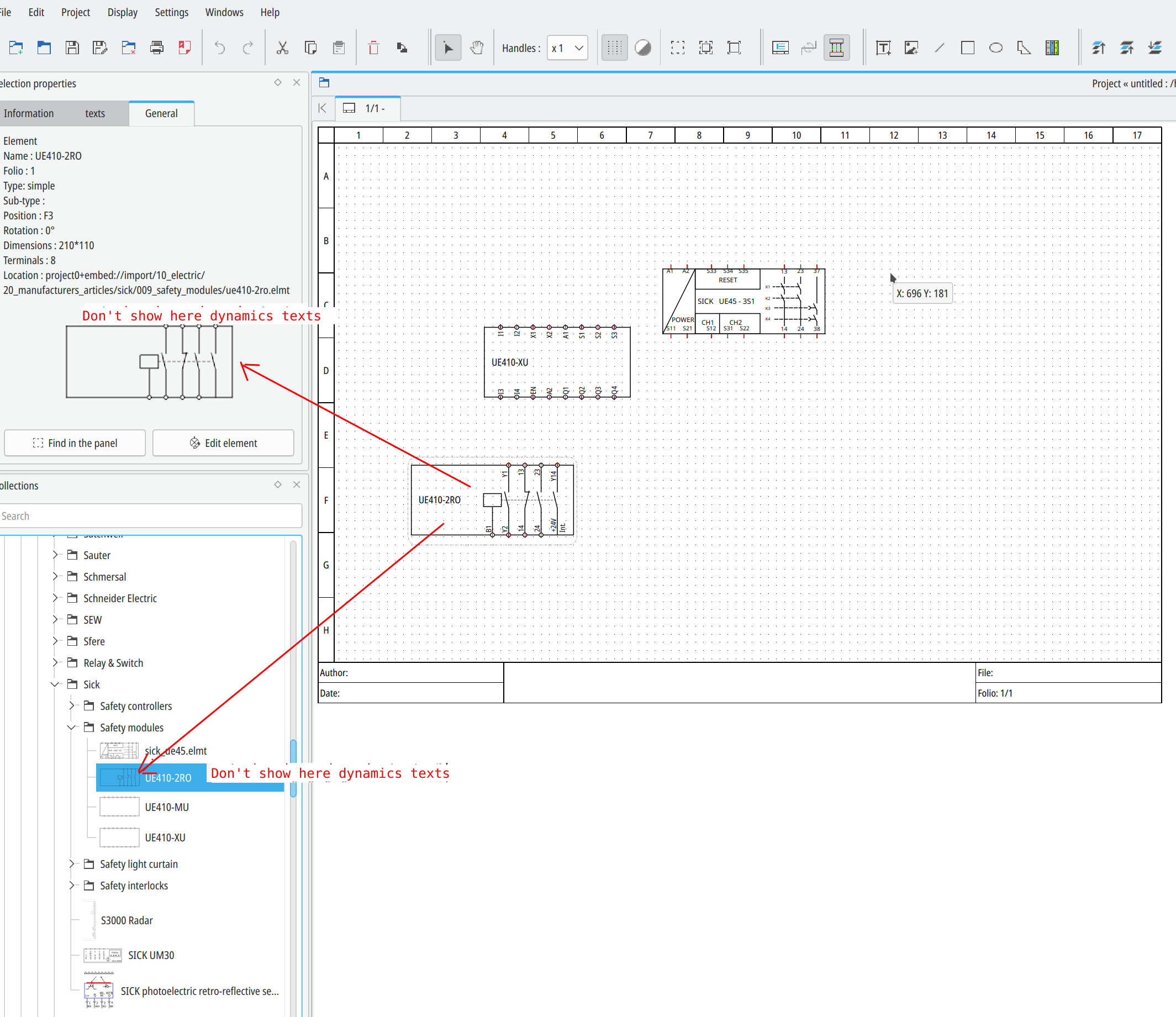
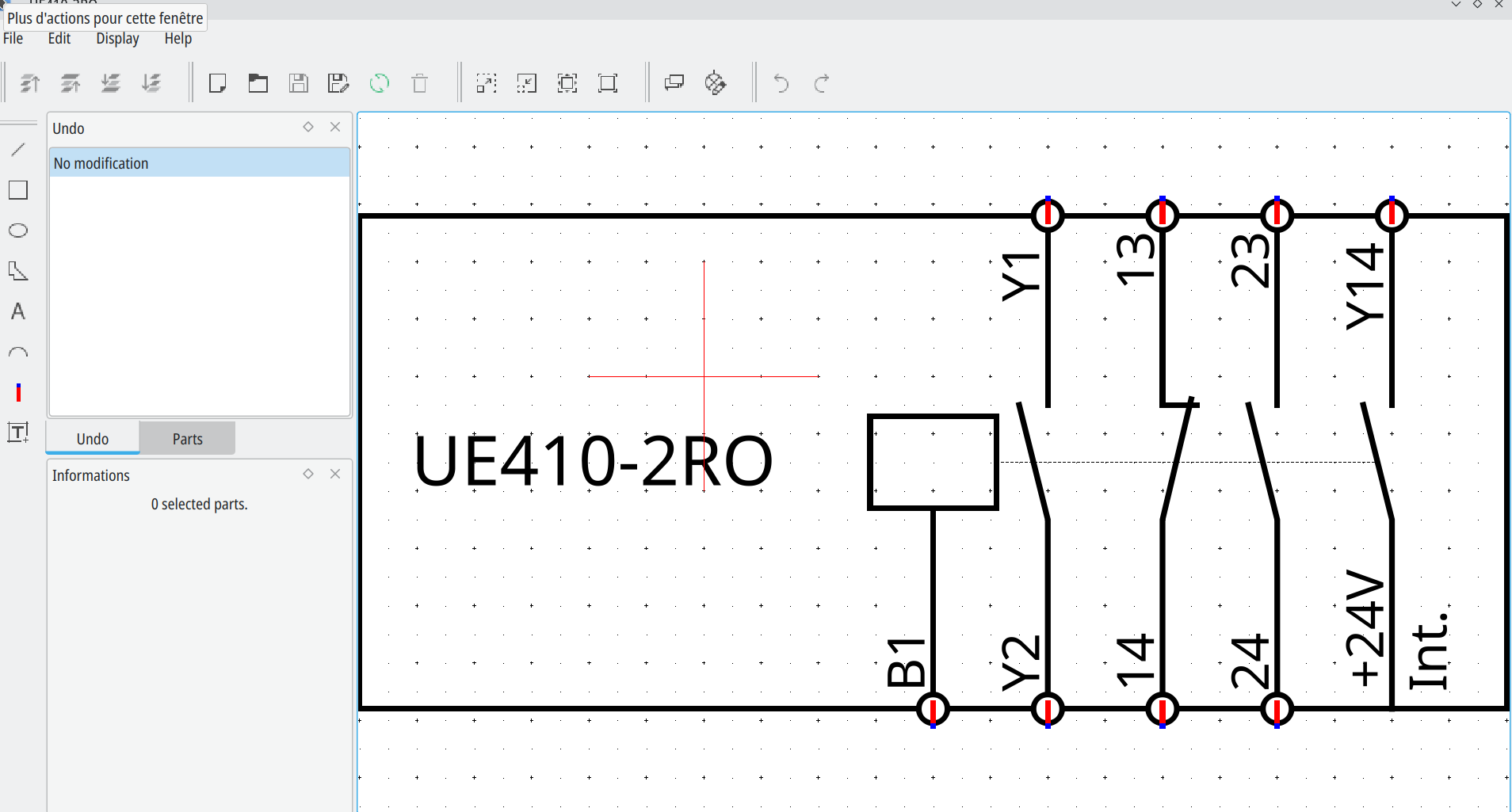
BTW, you need to use now dynamic text, under folio you rotate it when you want, its not the case for static text!

A question: why do you want to compile yourself QElectroTech, we offert a lot of packages here?

cmake .. -DCMAKE_INSTALL_PREFIX=%QTPATH% -DCMAKE_PREFIX_PATH=$QTPATH -G "MinGW Makefiles" -DZLIB_LIBRARY:FILEPATH=D:\QT\Tools\Tools\mingw730_64\x86_64-w64-mingw32\lib\libz.a


Hmm try:

cmake .. -DCMAKE_INSTALL_PREFIX=%QTPATH% -DCMAKE_PREFIX_PATH=$QTPATH -G "MinGW Makefiles" -DZLIB_LIBRARY:FILEPATH=D:\QT\Tools\mingw730_64\x86_64-w64-mingw32\libz.a

It's more easy to compile on Linux, like Ubuntu/Debian if you know?

Hello,

CMake Error at D:/CMake/share/ECM/modules/ECMQueryQt.cmake:84 (message):
  No executable found.  Can't check QT_INSTALL_PREFIX as required


maybe you forgot to enter in your terminal before this command:
SET QTPATH=C:\Qt\5.12.4\mingw73_64

But I saw you have Qt5 installed  on D:/QT ?? maybe correct your SET with good path and correct the Qt version and also minGW version?
SET QTPATH=D:\QT\5.12.4\mingw73_64

rvamerongen wrote:

Any progress and a fix possible?

Fix : new conductor have text without variable replaced
+
Fix bug 293: Automatic conductor numbering does not work

https://github.com/qelectrotech/qelectr … 849d22ff5a

908

(6 replies, posted in Elements)

T'as regardé dans le dossier arduino et raspberry?

909

(236 replies, posted in News)

Change weighting of second conductor color, see : https://qelectrotech.org/bugtracker/view.php?id=292

On old project you can  search and replace with an text editor in your project.qet file :
dash-size="10" by dash-size="5" by example..

https://qelectrotech.org/forum/viewtopi … 999#p12999
https://qelectrotech.org/wiki_new/doc/qt_pour_windows

Par contre il te vaut mieux enregistrer sous avec un nouveau nom, car si tu bouges ou rajoute ou enlèves des bornes ça ne fonctionnera pas. Tu perdras les fils existant déja connectés a tes anciens symboles...

Oui la vidéo en MP4 ne passait pas sur le forum, je l'ai reconvertie en webM:

ffmpeg -i edit_element.mp4 -c:v libvpx-vp9 -crf 30 -b:v 0 -b:a 128k -c:a libopus edit_element.webm


Merci pour ta vidéo, mais enregistre et ferme le projet, quand tu le ré ouvre la modification sera faite.

Étrange, quelle version as tu?
Je te conseille celle en dev.

915

(10 replies, posted in Import DXF)

I open your DXF with QCad, ctrl +A for select all parts, in Block menu I Click on explode and after I save file, now your DXF work whit QET dxf2elmt pulgin.

https://download.qelectrotech.org/qet/forum_img_2/dxf_illustrator.png

See https://github.com/antonioaja/dxf2elmt/issues/2

Bonjour, si tu as bien eu le questionnaire qui te propose 3 choix, écraser l'existant, conserver les deux versions, etc alors ils devraient être tous remplacés, a moins que les autres éléments ne soit pas le même symbole..

917

(10 replies, posted in Import DXF)

Little test on M2 MAC.

918

(10 replies, posted in Import DXF)

acanducci20 wrote:

If anyone knows anything that would be great... I operate from an M1 mac, maybe that's the problem? although in reality even on the Windows PC it doesn't let me import any DXF as if what I imported was empty

I tried from M2 MAC the DXF attached in this example here and it's worked fast and very well: https://qelectrotech.org/forum/viewtopi … 491#p16491

Your DXF file didn't work..with dxf2elmt (arm64)..

QElectroTech V 0.100.0-dev
Compilation : CLANG 14.0.0 (clang-1400.0.29.102)
Built with Qt 5.15.11 - arm64 - Date : Oct 30 2023 : 17:33:48
Git Revision : 489bfe1a7fd4ffe2d06c0a0438372a5d146ad30e
Run with Qt 5.15.11 using 8 thread(s)
CPU : Apple M2
RAM Total : 8 GB

https://download.qelectrotech.org/qet/m … guage.html

Only report have conductor properties, you can change your symbol to report folio next or previous, but you need to have only one terminal.
https://download.qelectrotech.org/qet/forum_img_2/report_folio_tags6.png

Il faut trier non pas sur le numéro, mais sur la position du folio, et merci pour ton astuce.

@Nardo: le mieux étant de le definir une fois pour tout le projet, pour les les protections le choix par défaut est au milieu et non pas comme les bobines au dessous/dessus du label.
https://download.qelectrotech.org/qet/forum_img_2/organe_protection.png

Bonsoir,

bah s'il faut le dessiner depuis rien, soit si c'est trop complexe recuper le DXF du fameux symbole t le convertir en elmt avec le plugin dxf2elmt.
https://qelectrotech.org/forum/viewtopi … 955#p18955

Import DXF and convert to QET element symbol:

Use workaround report folio to report these informations on your wires.

https://download.qelectrotech.org/qet/forum_img_2/report_folio_tags4.png
https://download.qelectrotech.org/qet/forum_img_2/report_folio_tags5.png

https://download.qelectrotech.org/qet/forum_img_2/edit_xref_position.png
https://download.qelectrotech.org/qet/forum_img_2/edit_xref_position2.png
https://download.qelectrotech.org/qet/forum_img_2/edit_xref_position3.png
https://download.qelectrotech.org/qet/forum_img_2/edit_xref_position4.png