Bonjour,
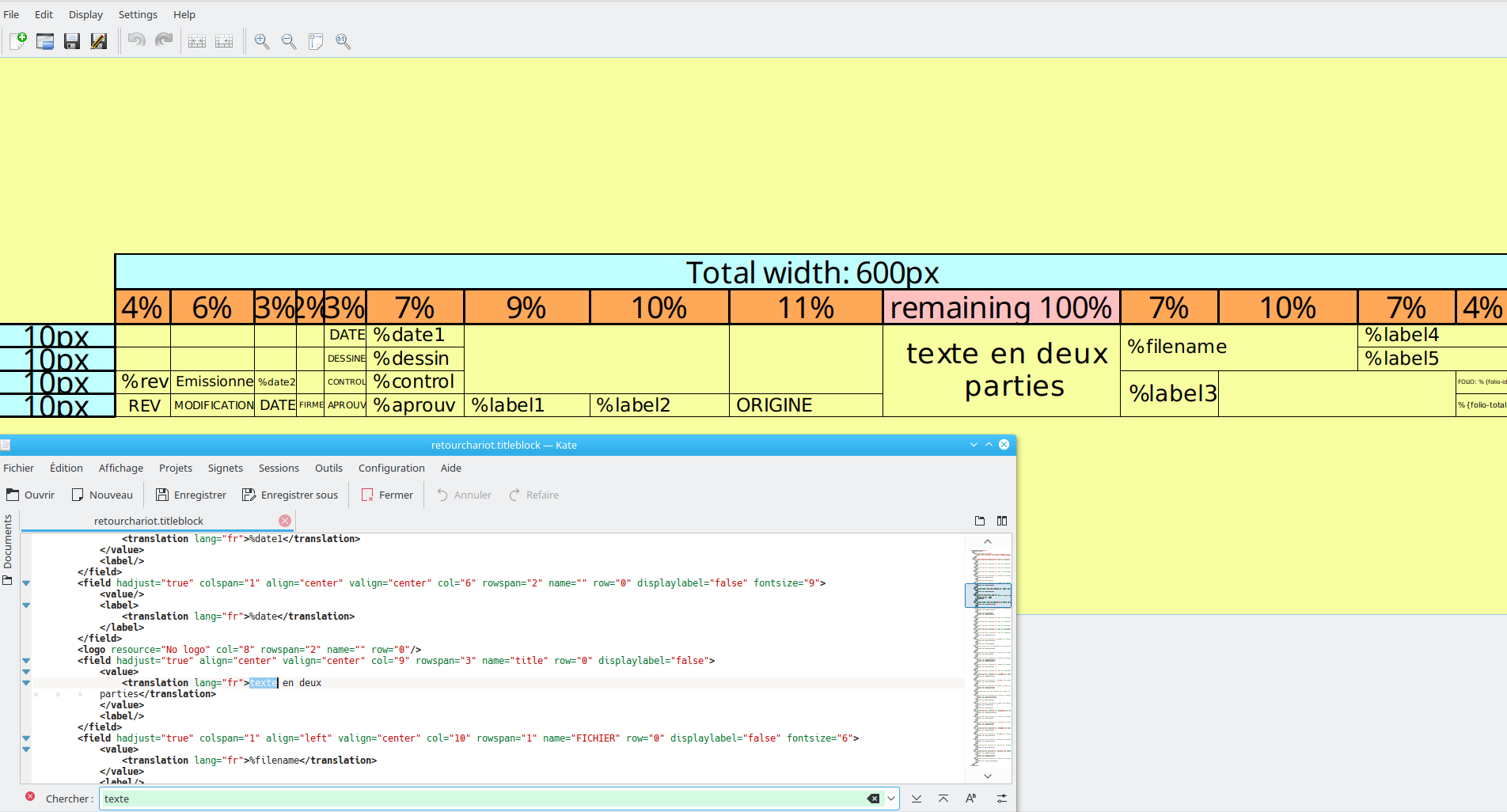
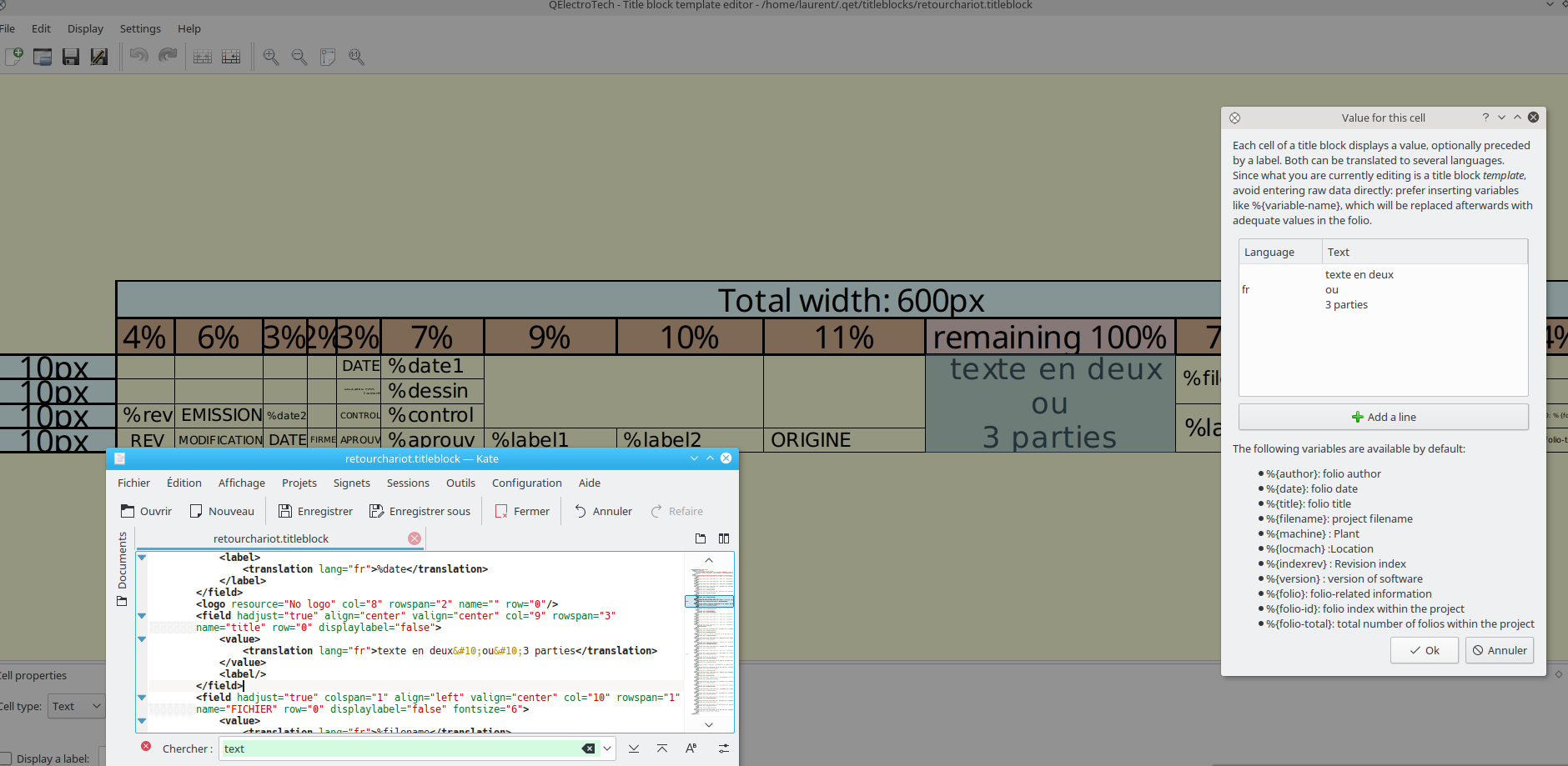
il me semble de mémoire qu'il te faut simplement éditer le fichier XML cartouche avec un éditeur texte et faire un retour ligne dans le fichier dans ta zone de texte choisie, puis de ré ouvrir le cartouche pour vérifier.

You are not logged in. Please login or register.
QElectroTech → Posts by scorpio810
Bonjour,
il me semble de mémoire qu'il te faut simplement éditer le fichier XML cartouche avec un éditeur texte et faire un retour ligne dans le fichier dans ta zone de texte choisie, puis de ré ouvrir le cartouche pour vérifier.
Pour ceux que ça intéresse, petit svn log filtré sur les éléments importants effectués depuis la version 0.5.
Hello,
try ctrl +maj+ F
or delete your QET config
rm ~/.config/QElectroTech/QElectroTech.conf
Hi,
I build now for macOS QET packages with clang compiler instead of GCC, please try it.
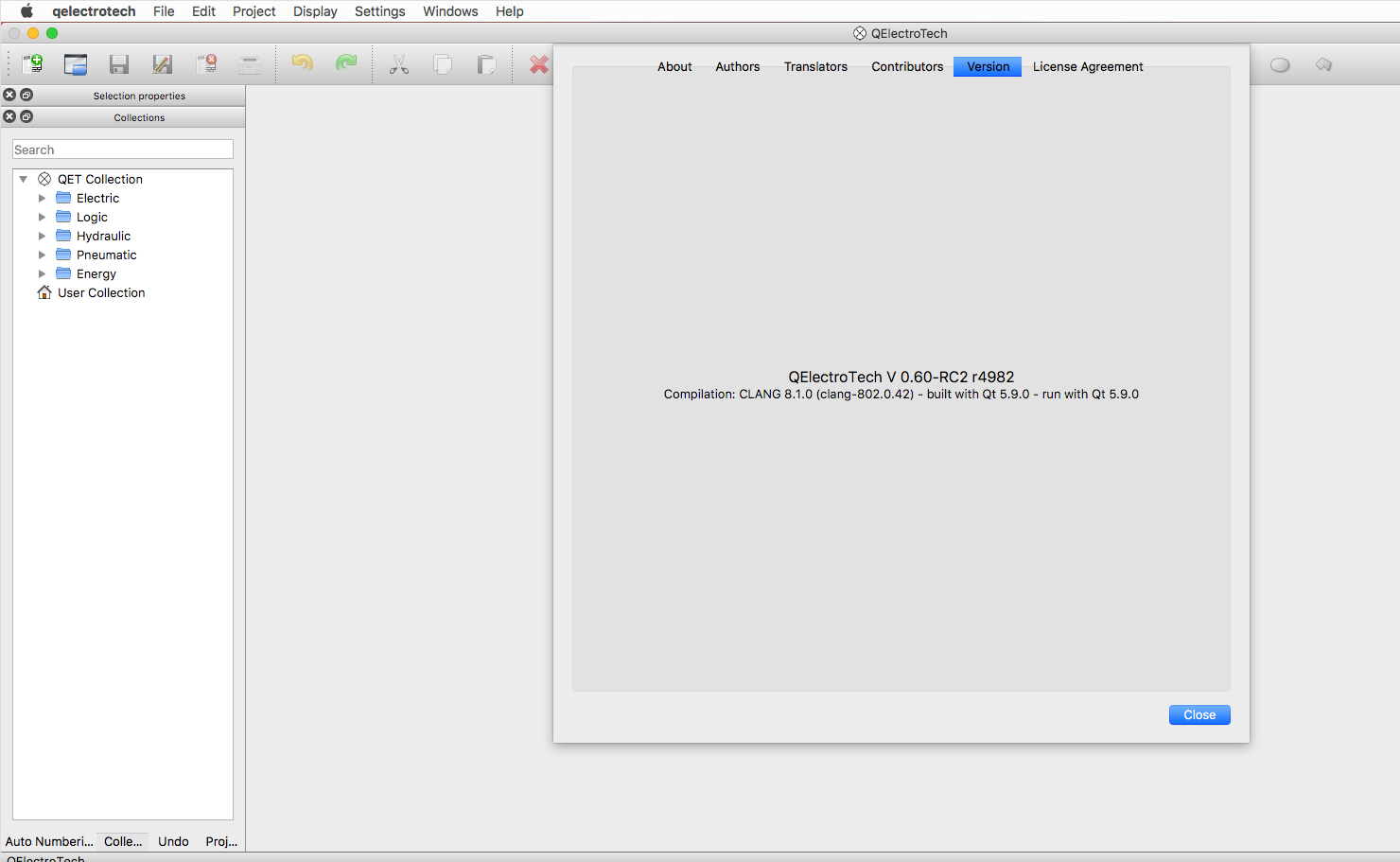
macOS builds : update LLVM clang version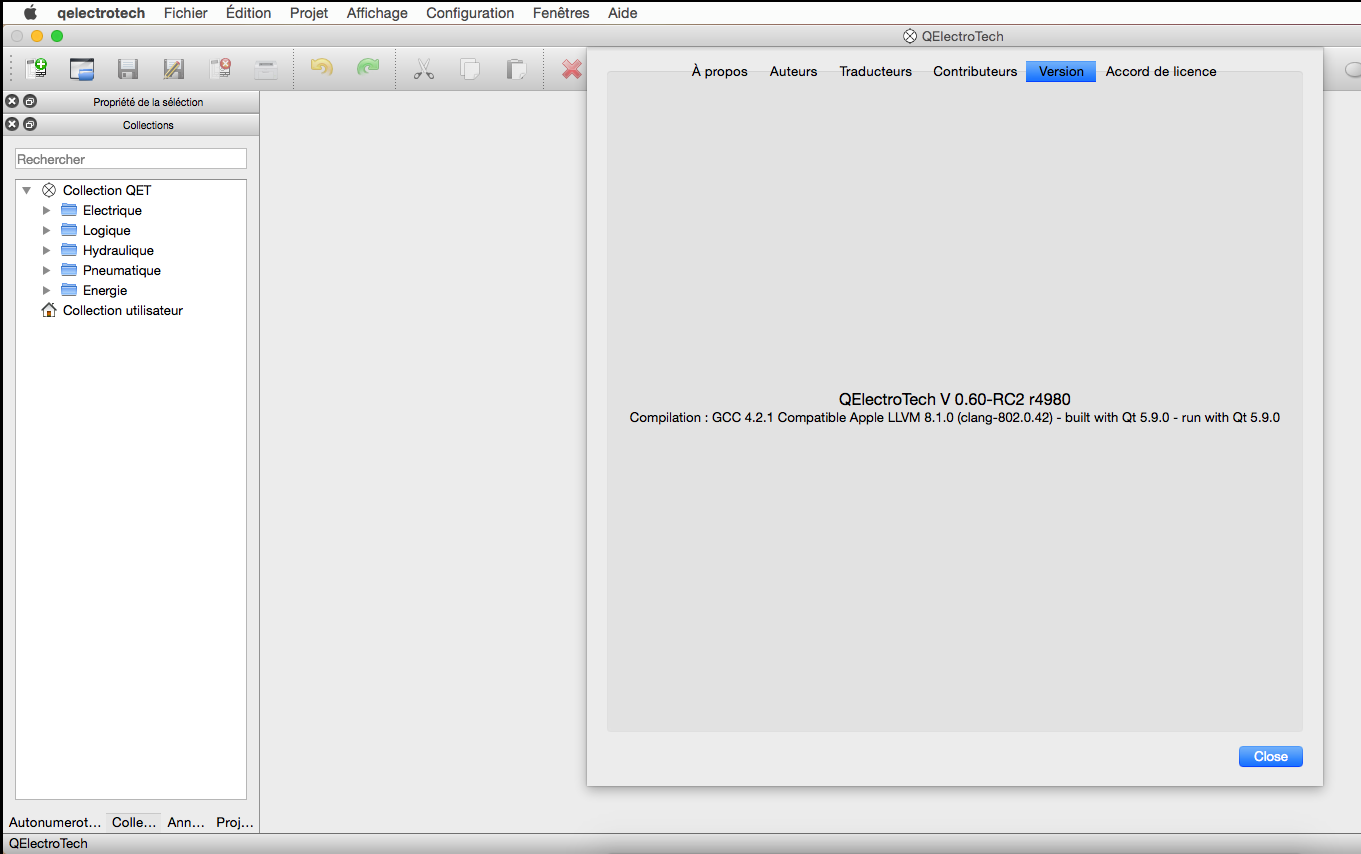
By default no, but click on button for disable or enable it.
Could you write in English ?
We do not understand your question even translated Turkish to english.
Revision: 4980
Author: blacksun
Date: 2017-06-20 21:15:39 +0200 (Tue, 20 Jun 2017)
Log Message:
-----------
Fix behavior :
In some condition, label of report element are not up to date.
In some condition, the title of tabs widget of folios are not up to date
Bonjour,
normalement les mainstream ou packageurs si tu préfères de chaque distros attendent que l'upstream c'est à dire moi, tague la release finale et fournisse un tarball de ce tag, tarball qui servira pour la création des divers paquets dans chaque distributions.
De mon coté pour Debian, Ubuntu, Windows, et macOS et Remi du sien pour Fedora et Redhat, etc, nous proposons des paquets dit Nightly's de la version en cours de développement sur des dépôts alternatifs, à toi de voir si de ton coté chez Mageia s'il existe des dépôts non officiels et trouver des volontaires pour produire les paquets dit Nightly de QET.
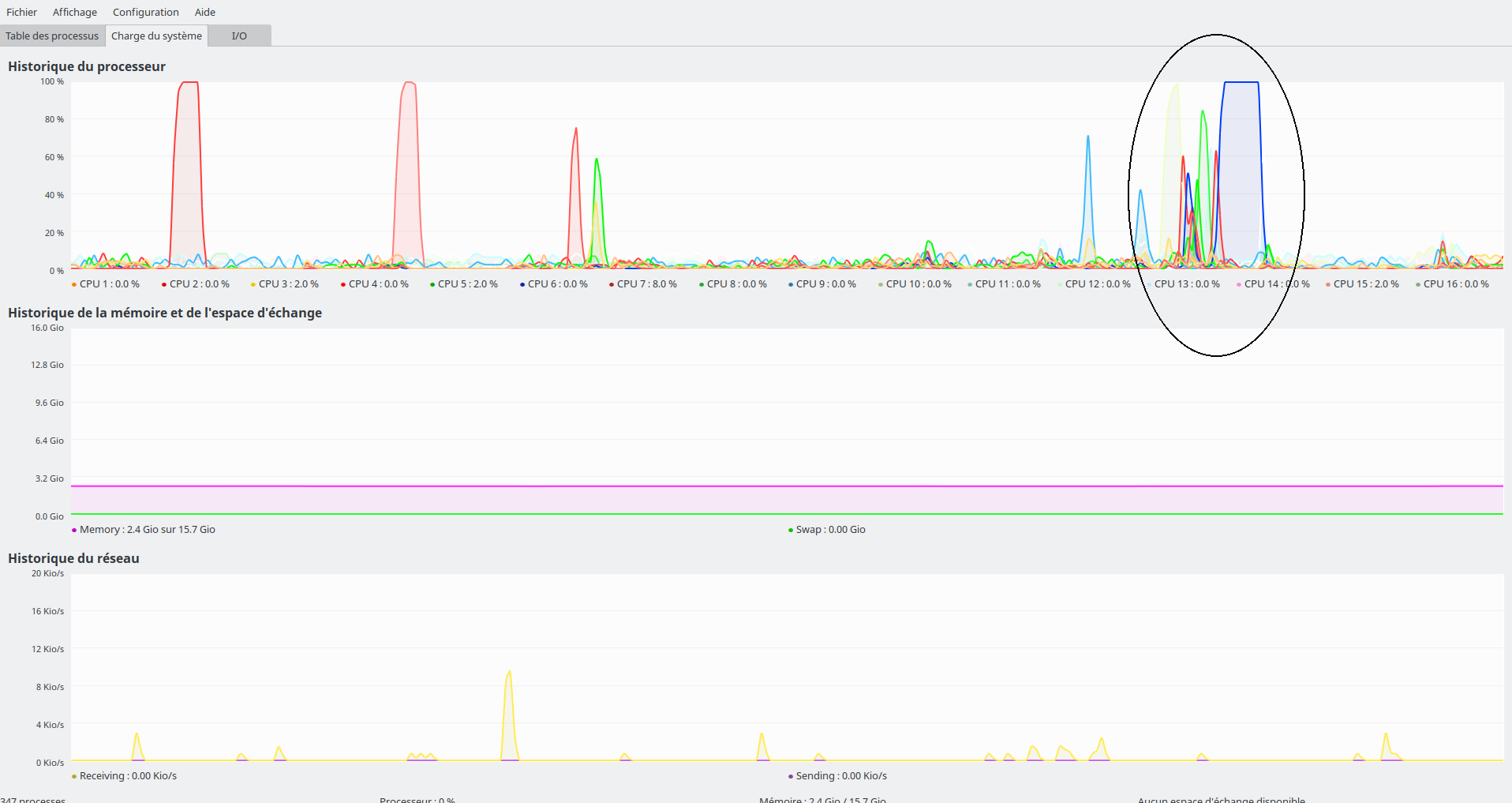
Je viens de tester ton projet 8600009_20161214_1004 (90 folios) pour te donner une idée, ça prend moins de 10 secondes, ici sur la machine Ryzen.
Au vu des graphes utilisation des cores CPU ça peut accélérer un tout petit peu le chargement de gros projets, enfin ça dépend surtout de l'IPC et de la fréquence CPU.
Ça prend combien de temps chez toi pour le charger?
[20:02:37] laurent@debian:~/.cache/pip$ ls -al
total 20
drwx------ 4 laurent laurent 4096 août 29 2016 .
drwxr-xr-x 37 laurent laurent 4096 juin 13 19:59 ..
drwx------ 8 laurent laurent 4096 août 29 2016 http
-rw-r--r-- 1 laurent laurent 69 août 29 2016 selfcheck.json
drwxr-xr-x 3 laurent laurent 4096 août 29 2016 wheels
[20:02:51] laurent@debian:~/.cache/pip$

Bonjour,
il est temps pour nous de préparer la sortie de la version 0.6.
La version RC2 corrige les bugs remontés sur la RC1:
In rare case in the diagram editor, when we add an element in the diagram and quickly click left, QET crash.
Elements collection widget doesn't load automatically when the parent dock widget is detached
QET crash when we save a project and the element collection is not loaded.
Improve High Dpi Scaling
A noter que les paquets Windows 32/64 et macOS profitent maintenant des librairies de la dernière version Qt (5.9).
Nous tenons aussi à remercier ceux qui nous soutiennent par leurs dons, dons qui nous aident à financer le matériel dont nous avons besoin pour QET :
La machine de build de paquet QET (Debian, Ubuntu, Windows, macos) est maintenant propulsé par un AMD Ryzen R 7 1700X, ce qui me permet de réduire par deux les temps de compilation des paquets.
Quant à mon ancienne config AMD FX 8350, elle fait maintenant la joie de Joshua pour le développement de QET.
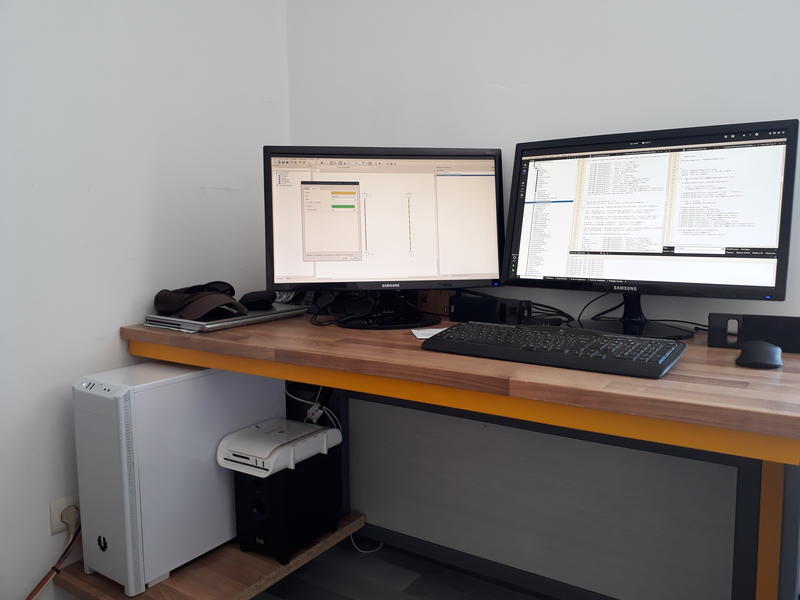
Pour vous faire patienter : en attente dans les cartons de Joshua et en préparation pour la prochaine version :
Conducteur bicolore, refonte du code des poignées de redimensionnements, amélioration de la fonction dé-zoom au delà du folio, etc.
Enjoy ! 
https://qelectrotech.org/forum/viewtopi … 5323#p5323
Pendant l'installation il te propose d'ajouter l’exécutable dans le path, il faut cocher l'option, ça évite d’avoir à écrire son chemin à chaque fois.
Ou d’éditer les variables d’environnement par la suite pour ajouter son chemin.
Thank you.
If you know someone for this job?
Bonjour,
oui tout à fait et l'immense majorité dessine dessus, on devrait la releaser bientôt, c'est juste que je n'ai pas le temps en ce moment d’écrire le big changelog, sinon elle serait déjà sortie.
Bonjour,
tu as bien la dernière version de QET 0.6 RC..?
L'entrée dans le menu projet a rajoutée que récemment sur la version 06- dev, donc tu ne la trouveras pas sur une vielle version 0.5 ou 0.4.
Sur la 0.5 le plugin python de Raul devrait fonctionner, mais en le lançant directement.
Si tu as des questions sur l'installation du plugin n’hésite surtout pas.
Si le plugin n'est pas installé, alors la procédure d'installation s'affiche, sinon le générateur de bornier ce lance.
je pense que, en attendant, ce n'est pas une implémentation très compliquée à réaliser
Tu te trompes, c'est deux méthodes complètement différentes de navigation dans le projet.
De mémoire, je pense que ce n'est pas si simple que tu as l'air de le mentionner.
Merci de nous le rappeler, on l'avait oublié celui là ...
Mais pour l'instant, nous n’avons pas encore trouvé le pourquoi de ce problème, ni trop cherché aussi, autant le dire. 
In the past, I have added HTML support for elements text like edit text field in diagram, I can change element text size, element color text directly in diagram, etc, but I reverted this !
Why ?
this addon increase size of a QET project X 10, and I do not want it.
Example :
<inputs>
<input y="303.282" x="464.885" text="<!DOCTYPE HTML PUBLIC "-//W3C//DTD HTML 4.0//EN" "http://www.w3.org/TR/REC-html40/strict.dtd">
<html><head><meta name="qrichtext" content="1" /><style type="text/css">
p, li { white-space: pre-wrap; }
</style></head><body style=" font-family:'Sans Serif'; font-size:9pt; font-weight:400; font-style:normal;">
<p style=" margin-top:0px; margin-bottom:0px; margin-left:0px; margin-right:0px; -qt-block-indent:0; text-indent:0px;"><span style=" font-family:'Noto Sans'; font-size:14pt; font-weight:600; text-decoration: underline;">test</span></p></body></html>"/>
</inputs>
Hi,
minors fix by Ronny and new builds here :
https://download.qelectrotech.org/qet/b … 2017-5-31/
Enjoy !
Hi,
minors fix and new builds here :
https://download.qelectrotech.org/qet/b … 017-05-27/
Edit : added MacOS build DXFtoQET.app.zip
Enjoy !
Hi,
I build new version for Windows 32/64 bits (Qt 5.8) and Gnu/linux (Qt 5.7.1 X86_64).
QElectroTech → Posts by scorpio810
Powered by PunBB, supported by Informer Technologies, Inc.
Generated in 0.112 seconds (20% PHP - 80% DB) with 5 queries